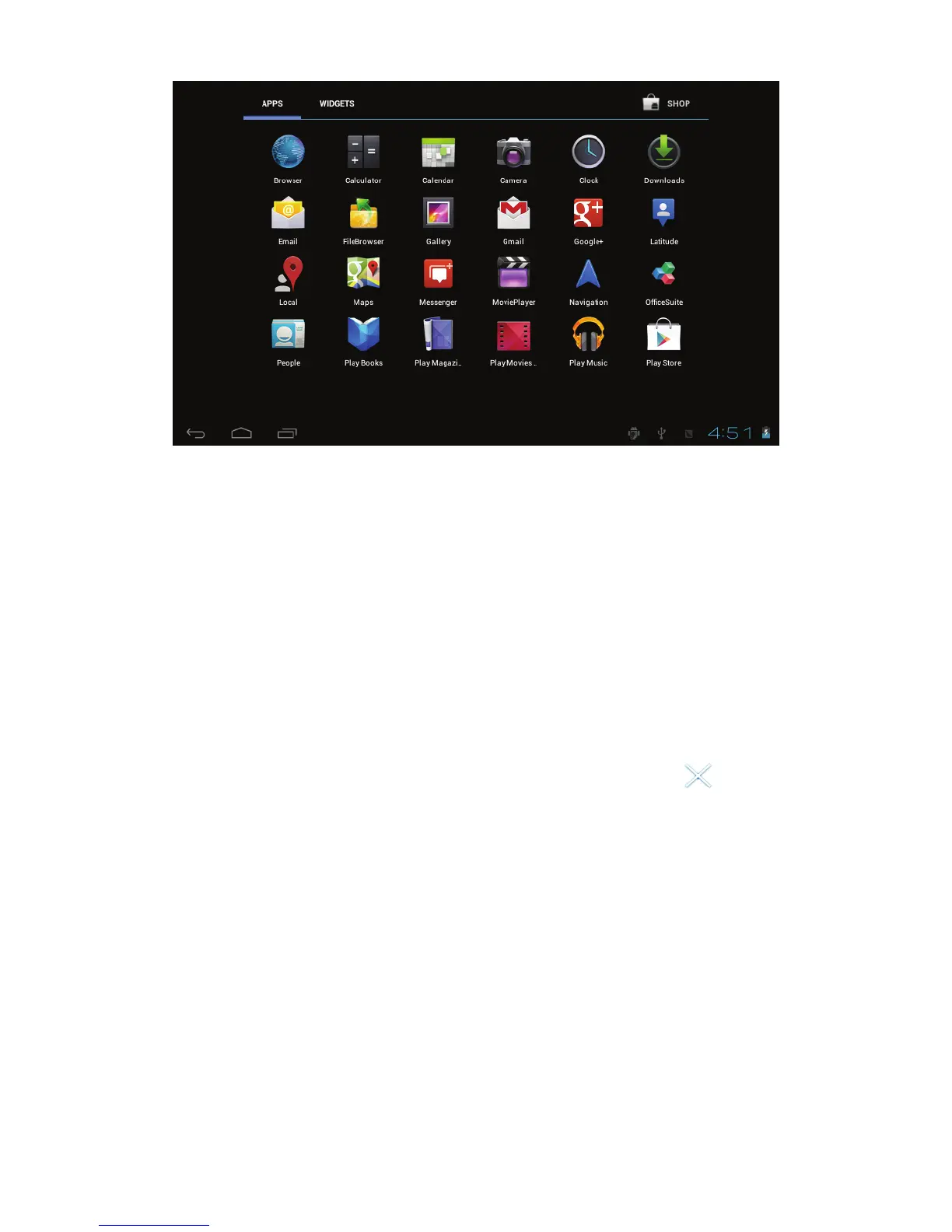
3.1 Icon and application manangement
1) To move the icons on the Desktop:
Press and hold an icon in your apps menu to drag it to your
desktop. Once you have reached the location you want to drop the
icon, let go of the screen.
2).Delete the icons on the desktop
Touch and hold desktop icons, then drag it to the
“Remove”
icon. Please note that this will only delete the icon from your
desktop, the app will still be located in your apps menu.
3.2 Change the destop wallpaper
1) Touch and hold an empty spot on main screen, and a window
will open with several selections.
2) Select the image gallary or wallpapers gallary to choose image.



 To Next Page