4. USB Connection & input words
4.1 USB Connection
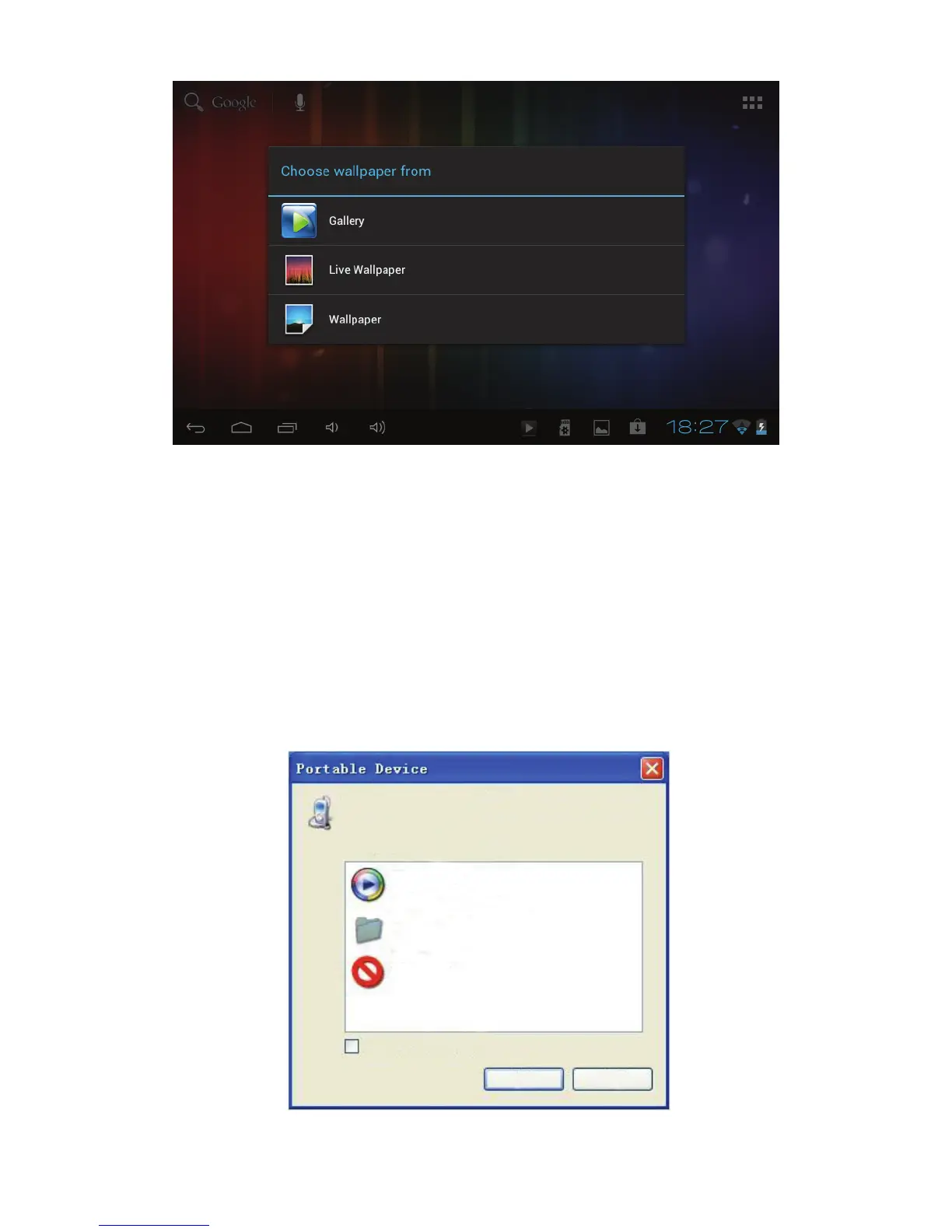
1) When connected to a computer via USB the below window will
open. Select “Turn on USB storage” and the device will act as a
removable disk drive, allowing you to add or delete files to both an
inserted SD card and the internal memory.
Using the Android keyboard



 To Next Page