11
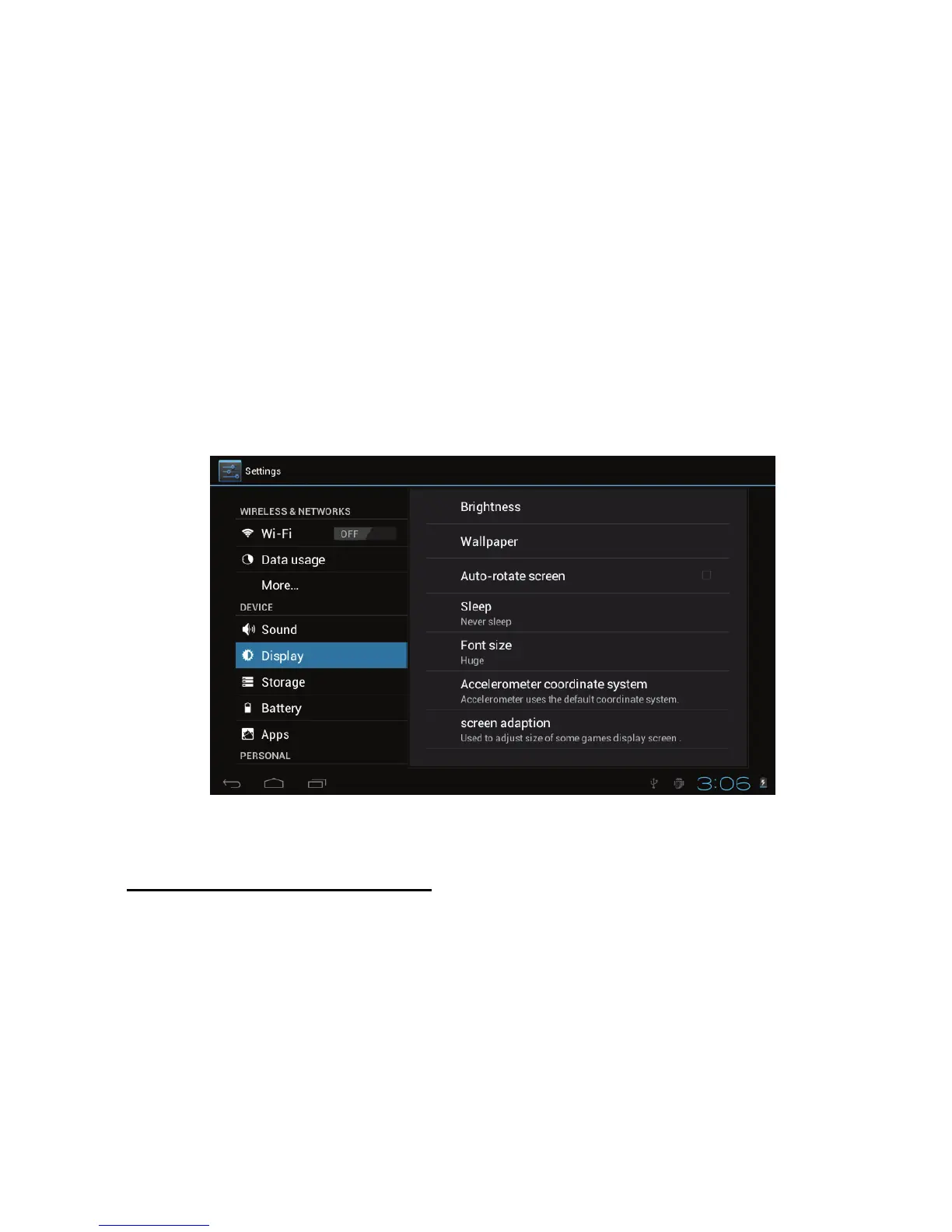
2. Display setting
A. Adjust the bightness of your screen
1. Tap the Setting icon.
2. Tap DisplayTap brightness and a slidebar will open. Slide
this bar to the right to increase brightness, and to the left to
decrease brightness.
3. Tap “OK”..
Adjust screen standby time
1.Tap the setting icon.
2.Tap display->Tap “Sleep” and select the amount of idle time
you want to pass before the device enters standby mode to
conserve power.



 To Next Page