TRIOMED COMPACT. USER MANUAL
21
If you want to use the programme that was running dur-
ing the previous session, switch on the device by briey
pressing the control button.
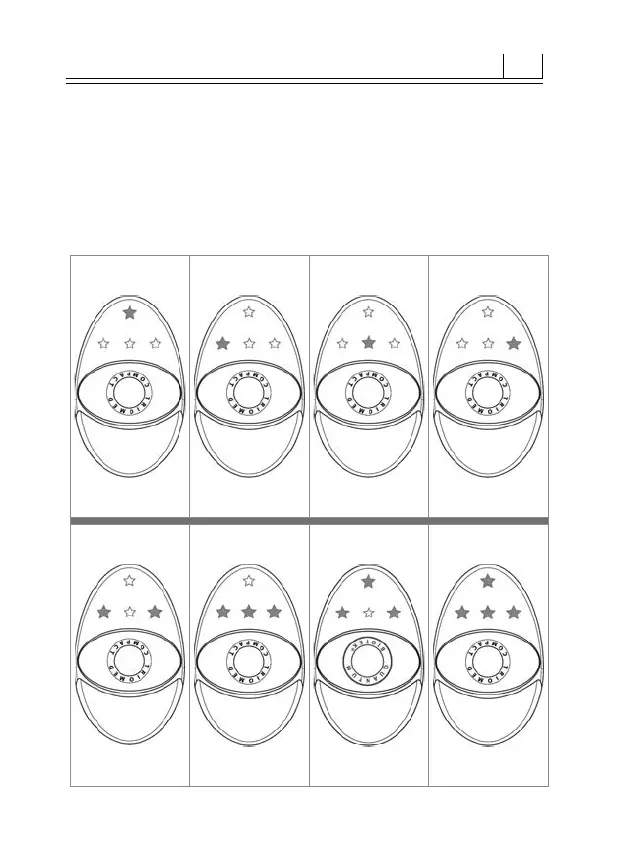
The LED indication of the programmes in the selection
and operation modes is shown in Fig. 3-10.
Fig. 3 Fig. 4 Fig. 5 Fig. 6
Programme 1 Programme
2
Programme
3
Programme
4
Fig. 7 Fig. 8 Fig. 9 Fig. 10
Programme
5
Programme
6
Programme
7
Programme
8



 To Next Page