TRIOMED UNIVERSAL. USER MANUAL32
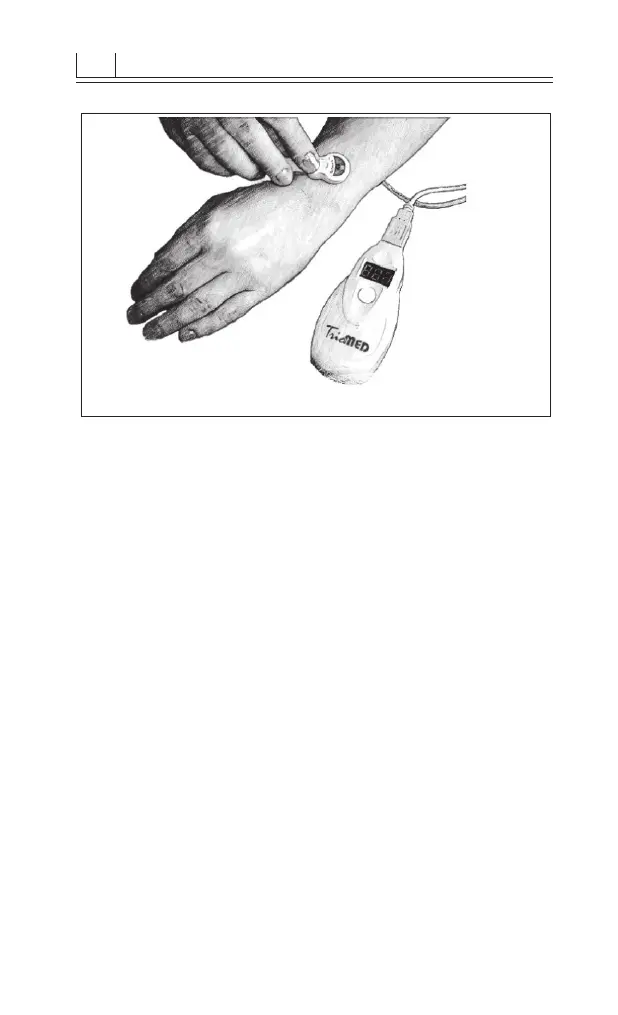
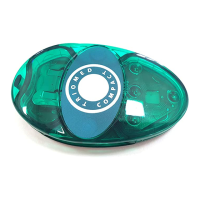
Figure 8. Ways of attaching the radiator
• If the placing took more than 10 seconds, the device
will enter the standby mode. Press the control button
to return the device to the ready mode.
• Toswitchontheradiationandbeginthetreatmentses-
sion, the control button needs to be pressed. When the
device is functioning normally, the countdown is run-
ning, the indicator is showing the remaining time of
the session and beeper is producing sound and the LED
on the radiator is on.
• 10 minutesafter the end of the treatmentsession the
device will switch o automatically.
• Pressthecontrolbuttontoswitchthedeviceoearlier.
• The radiator should be moved in slow circular mo-
tions to stimulate large biologically active zones and
in longitudinal motions to stimulate the spinal column
and great vessels.
Attention: in the case of deterioration or discomfort
that persists after 3 treatment sessions, it is recommend-
ed to stop using the device and contact the doctor.



 To Previous Page