16
TREATING YOUR SKIN
To treat your skin using the TriPollar STOP V device:
1. Cleanse and dry the treatment area.
2.
Apply a very thin, even layer of STOP Preparation Gel over the entire
treatment area (face and/or neck). This gel must be used during the
entire treatment session. Your skin may feel a warm sensation when
the gel is applied.
3. Turn the device ON by pressing the Power button (Fig.14).
Make sure that the green indicator light turns ON.
Tip: A long press of the Power button turns the device OFF.
4.
Select the RF power setting (Low/High) that is most comfortable for you.
Important: During your first treatment session, we recommend that you
use the Low power setting and then adjust the power level according
to your skin’s tolerance for subsequent treatments.
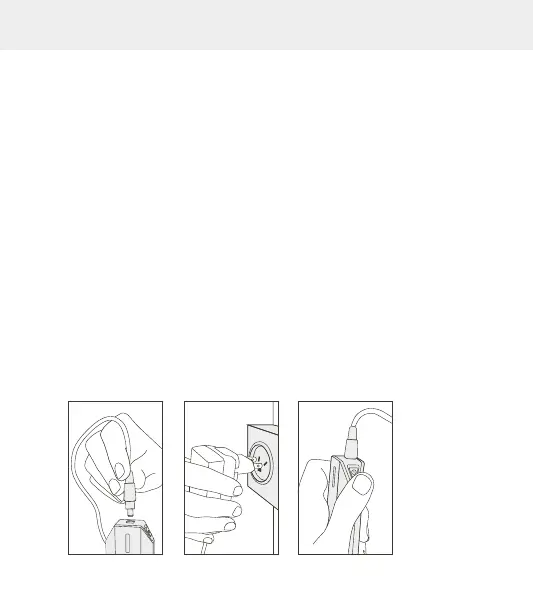
FIG.12 FIG.13 FIG.14


 To Next Page