22
12
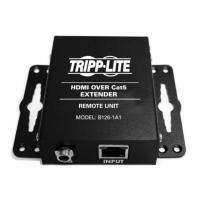
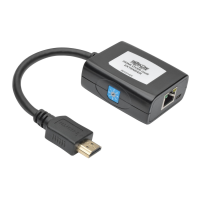
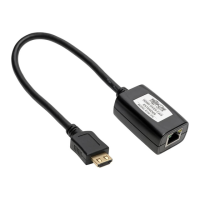
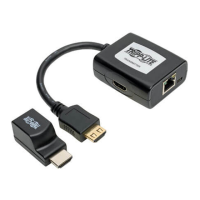
ConnecttheB126-1P0HDMIconnectortoamonitor;or,connect
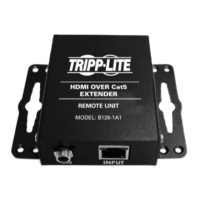
the B126-1P0-WP-1, B126-1A0 or B126-1A0-WP-1 to a monitor
usingaTrippLiteP568-SeriesHDMICable.Boththegreenand
orangeRJ45LEDsontheB126-1P0,andthegreenLEDonthe
B126-1P0-WP-1, illuminate to indicate the unit is receiving power
from the connected monitor.
13
Repeat step 12 for each additional monitor you are connecting.
14
TurnonthepowertotheHDMIsource.TheorangeRJ45LEDs
illuminate on the B126-004 to indicate the unit is receiving a
signal from the source. The screen should now be displayed on the
connected monitors.
15
If necessary, use the Equalization control on the B126-1A0 or
B126-1A0-WP-1 to adjust the video image. Note: An improper
Equalization setting can cause the monitor not to display a picture
at all. Try each Equalization setting until an acceptable picture is
displayed.
Extender/Splitter Daisy-Chain Installation (B126-004 only)
201109206-93-3023-EN.indd 22 10/24/2011 10:01:23 AM



 To Next Page
 Loading...