9
Troubleshooting
1) The image is not fluent or stable.
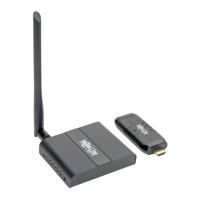
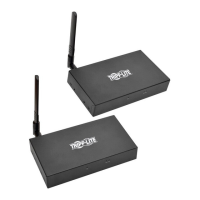
• Change the location of the transmitter and the receiver, ensuring
they are within signal coverage of 50 ft. (15 m).
• Connect the included USB Micro-B cable to the transmitter for
extra power.
• Remove any objects that may be interfering with the line-of-sight
wireless transmission.
• Restart both the transmitter and the receiver.



 To Next Page
 Loading...