6
Remote Repeater Installation
Note:
1. Test to make sure that the entire installation works properly before pulling cables through
ceilings/walls.
2. 24AWG, Solid Wire Cat5e/6 cable, such as Tripp Lite’s N202-Series, is required to achieve
maximum distance and resolution.
3. The signal from input port A is transmitted to RJ45 output ports 1A and 2A. The signal from
input port B is transmitted to RJ45 output ports 1B and 2B. For your Dual Display installation
to appear correctly in extended screen mode, locate the monitor connected to RJ45 port 1A
next to the monitor connected to RJ45 port 1B. Likewise, locate the monitor connected to
RJ45 port 2A next to the monitor connected to RJ45 port 2B.
B140-110B140-110
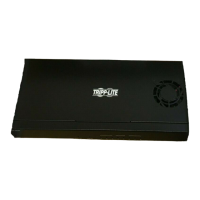
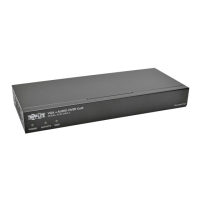
B140-002-DD
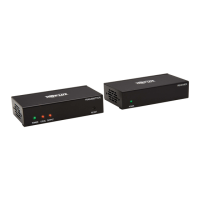
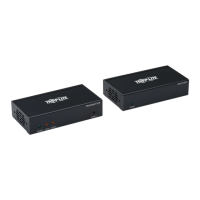
B140-110
B140-1A0
B140-1A0-WP
Up to 175 ft. at 1024 x 768 @ 60Hz
Up to 125 ft. at 1920 x 1080 @ 60Hz
0
1
2
3
4
5
6
7
0
1
2
3
4
5
6
7
Up to 175 ft. at 1024 x 768 @ 60Hz
Up to 125 ft. at 1920 x 1080 @ 60Hz
0
1
2
3
4
5
6
7
0
1
2
3
4
5
6
7
0
1
2
3
4
5
6
7
0
1
2
3
4
5
6
7
B140-110B140-110
0
1
2
3
4
5
6
7
0
1
2
3
4
5
6
7
B140-110
0
1
2
3
4
5
6
7
0
1
2
3
4
5
6
7
0
1
2
3
4
5
6
7
0
1
2
3
4
5
6
7
1
Make sure power to the DVI source is turned off.
2
Connect the first DVI port from the source to DVI input port A.
3
Connect the second DVI port from the source to DVI input port B.
4
Connect the external power supply to the B140-002-DD and plug it
into a Tripp Lite Surge Suppressor, Power Distribution Unit (PDU), or
Uninterruptible Power Supply (UPS). When receiving power, the Green
RJ45 LEDs on the B140-002-DD will illuminate.
5
Using Cat5e/6 cable, connect RJ45 port 1A to the RJ45 input port of a
B140-110 remote repeater unit.
6
Connect a monitor to the DVI output port on the repeater using a Tripp Lite
P561-Series DVI-D Single-Link cable.
13-01-085-933287_revA.indd 6 1/30/2013 3:44:20 PM


 To Next Page
 Loading...