3
Installation
Optional Accessories
Note: Test to make sure that the entire installation works properly before
pulling cables through ceilings or walls.
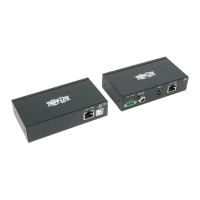
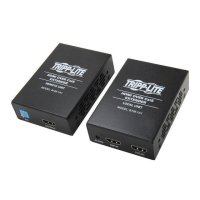
1. Connect the built-in USB cable on the transmitter unit to an
available USB port on your computer.
2. Connect the RJ45 ports on the transmitter and receiver units
with Cat5e/6 cable.
Note: The distance between the transmitter and receiver units must be
no longer than 164 ft. (50 m).
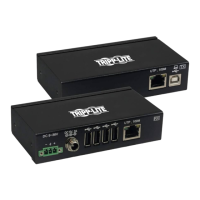
3. Connect a USB 2.0 device to each available port on the
receiver unit.
4. (Optional) If connecting power-hungry device(s), use the USB
Micro-B port on the receiver to add external power.
• N202-Series Cat6 Snagless Patch Cables
• U022-Series USB 2.0 Cables
• UR022-Series Reversible USB 2.0 Cables
• U030-Series USB 2.0 5-Pin Mini-B Cables
• UR030-Series Reversible USB 2.0 5-Pin Mini-B Cables
• U050-Series USB 2.0 Micro-B Cables
• UR050-Series Reversible USB 2.0 Micro-B Cables



 To Next Page
 Loading...