9
Basic Operation
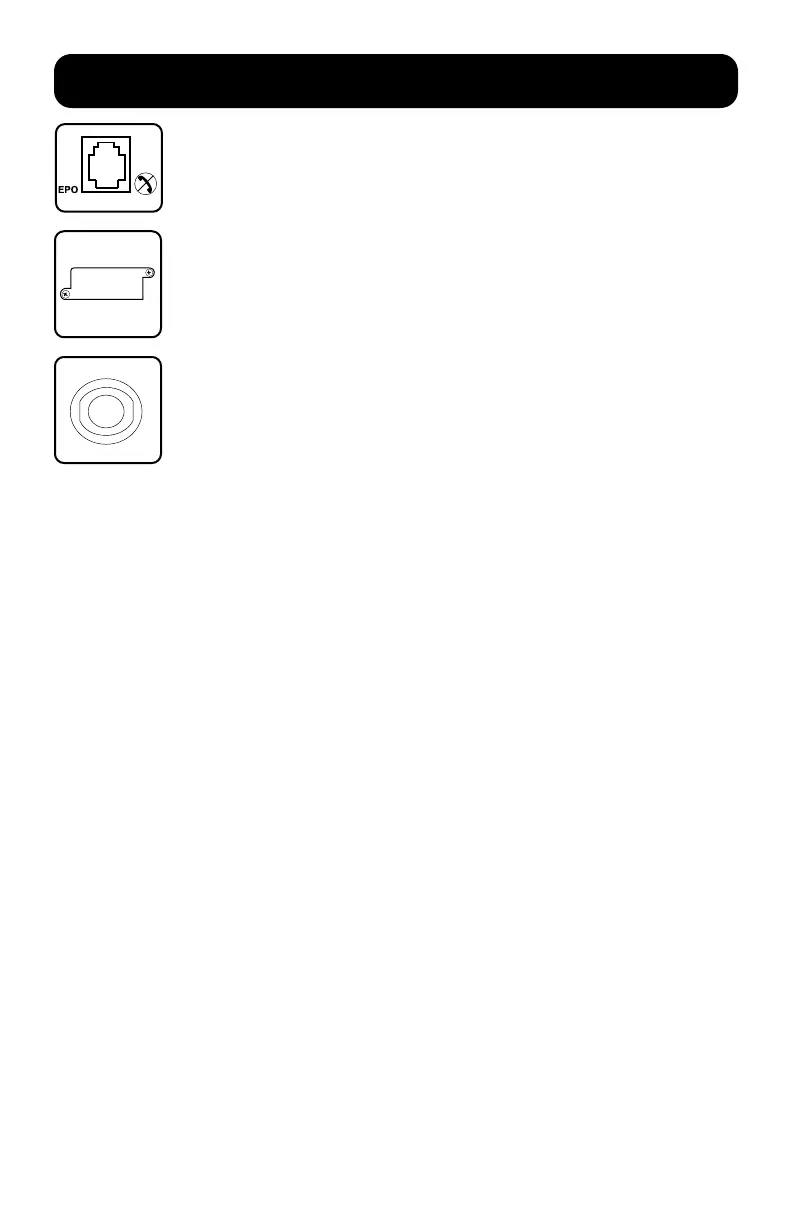
EPO (Emergency Power Off) Port: Your UPS features a EPO port that
may be used to connect the UPS to a contact closure switch to enable
emergency inverter shutdown. See the “Optional Installation” section for
more information.
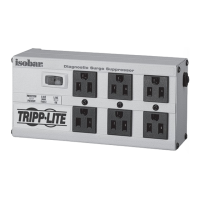
Accessory Slot: Remove the small cover panel from this slot to install
optional accessories to remotely monitor and control your UPS. Refer to
your accessory’s manual for installation instructions. Contact Tripp Lite
Customer Support at 773.869.1234 for more information, including a
list of available SNMP, network management and connectivity products.
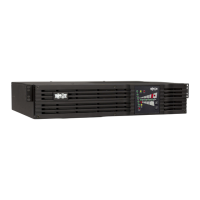
Input Breaker: Protect your electrical circuit from overcurrent draw
from the UPS load. If this breaker trips, remove some of the load, then
reset it by pressing the breaker in.




 To Next Page