Mounting (Tower)
4
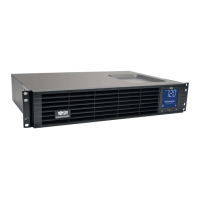
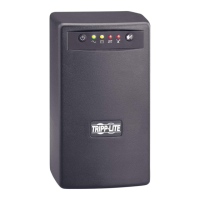
Mount all UPS models in an upright, tower position using included hardware. The user must
determine the fitness of hardware and procedures before mounting.
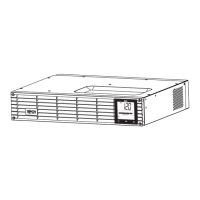
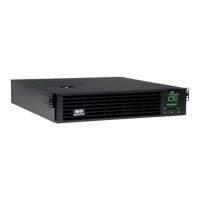
Stand your UPS on its side with the LED/Control panel
at the top. Attach one rack mounting ear
A
to each side
of the UPS using included screws
B
. Attach the rack
mounting ears to the floor with user-supplied
hardware.
Rotate the LED/Control panel to view it easier while the
UPS is tower mounted. Insert a small screwdriver, or
other tool, in the slots on either side of the panel. Pop the
panel out; rotate it; and pop the panel back in place.
Note: For additional stability, order the
2-9USTAND expandable tower stand accessory.
A
B
1
2
1
2




 To Next Page
