3
Package Includes
Optional Accessories
Setup
• U360-003-KM
• USB 2.0 Type-A (Male) to Type-A (Male) Cable for KM Share, 4 ft.
• USB 2.0 Micro-B (Male) to Type-A (Female) OTG Adapter
• Owner’s Manual
• M100-Series Lightning Cables
• M110-Series Apple 30-Pin Cables
• U322-Series USB 3.0 Type-A to Type-B Device Cables
• U326-Series USB 3.0 Type-A to Micro-B Device Cables
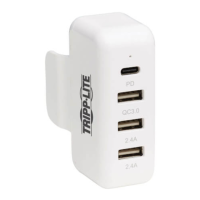
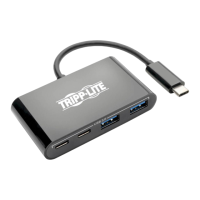
1. Connect the built-in USB 3.0 cable to an available USB port on your
computer or laptop.
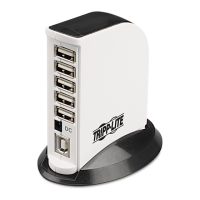
2. Connect USB devices to the available hub ports located on the top of
the unit.
Note: The hub is powered via the connected computer port (USB 3.0
provides up to 900mA). If you are connecting devices that require more
power than is being supplied by the connected computer port, they will need
to be powered by an external power supply.
3. To use the KM sharing and/or file transfer features, connect the
included USB cable between the SHARE port on the front of the
hub to an available USB port on a second computer, laptop or OTG
compatible Android device.
Note: A USB Micro-B OTG Adapter is provided for connecting to Android
devices).
15-11-229-9334BC.indd 3 12/9/2015 3:48:56 PM



 To Next Page
 Loading...