EasyManua.ls Logo

Tristan Auron BT1D7007 - User Manual

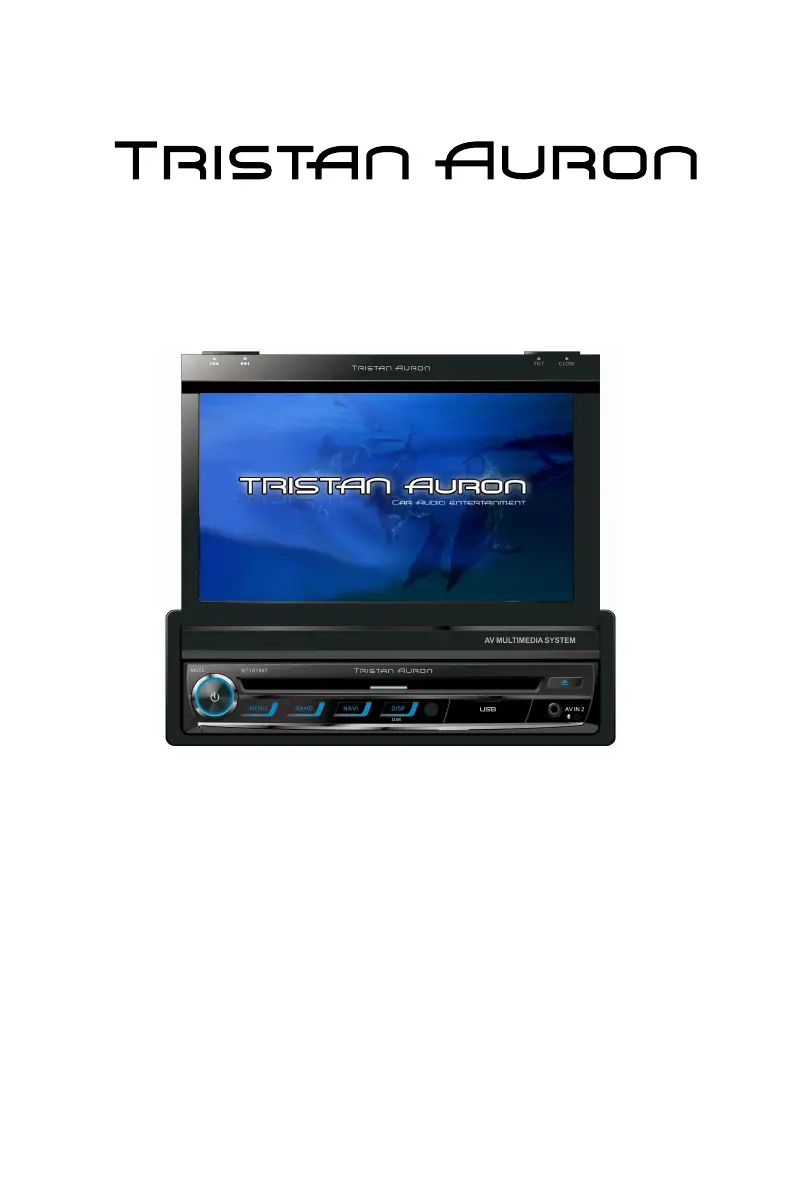
Tristan Auron BT1D7007
70 pages
Go to English
Print Icon
To Next Page IconTo Next Page
Loading...
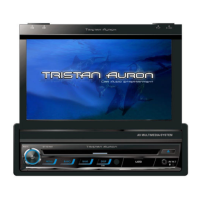
DVD/VCD/CD/MP3/SD/USB PLAYER WITH FM/AM TUNER
GPS & BLUETOOTH
BT1D7007

Table of Contents

Questions and Answers

  • F
    Frederick HartAug 20, 2025
    What to do if my Tristan Auron BT1D7007 unit cannot power on?
    • M
      Mario JensenAug 20, 2025
      If your Tristan Auron Car Video System unit won't power on, there are several potential causes. First, check if the unit fuse has blown and install a new fuse with the correct rating. Next, verify if the car battery fuse is blown, replacing it with a new fuse of the correct rating if necessary. Lastly, if an illegal operation occurred, try resetting the unit.
  • K
    Kevin DominguezAug 22, 2025
    Why does my Tristan Auron Car Video System have no or low audio output?
    • J
      John GreenAug 22, 2025
      If you're experiencing no or low audio output from your Tristan Auron Car Video System, consider these possible causes: * Improper audio output connection: Check the wiring and correct any issues. * Volume set too low: Increase the volume level. * Speakers damaged: Replace the speakers. * Heavily biased volume balance: Adjust the channel balance to the center position. * Speaker wiring in contact with metal part of car: Insulate all speaker wiring connections.
  • A
    Aaron NelsonAug 25, 2025
    How to fix poor sound quality or distortion on Tristan Auron BT1D7007 Car Video System?
    • A
      Aaron BrownAug 25, 2025
      Poor sound quality or distortion in your Tristan Auron Car Video System can stem from several issues: * Using a pirated disc: Use an original disc instead. * Speaker power rating mismatch: Replace the speakers with compatible ones. * Wrong connections: Check the wiring and correct any errors. * Speaker is shorted: Check the wiring and correct.
  • M
    Miss Amy OlsonAug 26, 2025
    What to do if flashing image or interference appears on screen of my Tristan Auron BT1D7007 Car Video System?
    • M
      Melissa MorrisAug 27, 2025
      If you observe a flashing image or interference on the screen of your Tristan Auron Car Video System, the following reasons may be the cause: * The color system of DVD disc does not match the monitor: Adjust the color system of the DVD disc playing back or the monitor in use. * Pirated disc is in use: Use original disc. * Video cable damaged: Replace cables. * Improper video signal connections: Check wiring and correct.
  • R
    Ryan ReynoldsAug 28, 2025
    Why does my Tristan Auron BT1D7007 unit reset itself when the engine is off?
    • J
      Jill PollardAug 28, 2025
      If your Tristan Auron Car Video System unit resets itself when the engine is off, it might be due to an incorrect connection between ACC and BATT. Check the wiring and correct it to resolve this issue.
  • M
    Matthew KingAug 30, 2025
    What to do if my Tristan Auron BT1D7007 Car Video System remote control does not work?
    • S
      Sheri ShafferAug 30, 2025
      If the remote control for your Tristan Auron Car Video System isn't working, the issue could be: * Battery depleted: Change the battery. * Battery installed incorrectly: Install the battery correctly.
  • A
    andersonangelaSep 1, 2025
    Why does warning information show at all times on my Tristan Auron BT1D7007 Car Video System?
    • D
      Daisy JonesSep 1, 2025
      If warning information is constantly displayed on your Tristan Auron Car Video System, the parking brake wiring may not be correct. Check the wiring and correct it.
  • P
    Patricia MillerSep 3, 2025
    What to do if my Tristan Auron Car Video System cannot insert disc?
    • S
      Sharon MorrowSep 3, 2025
      If your Tristan Auron Car Video System won't allow you to insert a disc, it's possible that a disc is already inside the unit. Eject the current disc and then try inserting the new one.
  • A
    amyjohnsonSep 5, 2025
    Why does my Tristan Auron BT1D7007 Car Video System show 'No disc'?
    • H
      Holly MarshallSep 5, 2025
      If your Tristan Auron Car Video System displays 'No disc', possible causes include: * Disc is dirty: Clean disc with soft cloth. * Disc is upside down: Insert disc with label side up. * No disc inside: Insert disc.
  • M
    myerskevinSep 7, 2025
    Why does my Tristan Auron BT1D7007 Car Video System disc does not play back?
    • J
      Jennifer DuranSep 7, 2025
      If your Tristan Auron Car Video System disc does not play back, it could be due to: * Disc is warped or scratched: Use disc in good condition. * Disc is dirty or wet: Clean disc with soft cloth. * Incompatible disc is used: Use compatible disc. * Disc is inserted upside down: Insert disc with label side up. * Disc region code is not compatible with unit: Use disc with proper region code.

Summary

Safety Precautions

Basic Operations

Parking Brake Inhibit

Explains the parking brake function and its effect on video display during driving.

Power On;Off Operation

Instructions for turning the unit on and off using the front panel knob or remote control.

Volume Adjustment

How to increase or decrease the audio volume using the unit's knob or remote control buttons.

Equalizer Settings

Adjust EQ Parameters

Instructions for adjusting bass, mid, treble, and filter parameters in the 'User' EQ mode.

Adjust Fader;Balance

How to adjust speaker balance (front/back, left/right) and subwoofer volume.

Radio Mode

Radio Tuning and Presets

Tune Radio Stations

Instructions for auto tuning, manual tuning, and using the numeric keypad to tune radio stations.

RDS and Advanced Radio Functions

Playback Mode Overview

Disc and Media Handling

Instructions for loading, ejecting discs, and connecting/removing USB and SD card devices.

Touch Screen Playback Controls

Description of touch key areas and on-screen controls for managing playback.

Advanced Playback Features

Repeat Playback Modes

Instructions for setting repeat modes (single, all, folder) for different media types.

Bluetooth Mode Operations

Pair Bluetooth Devices

Step-by-step guide to pairing mobile phones or other Bluetooth devices with the unit.

Make and Receive Calls

How to make phone calls, access call logs, and answer/reject incoming calls.

Bluetooth Settings and Music Playback

DAB Mode Operations

System Settings Menu

Adjust General Settings

Configuration of language, radio area, beep sound, calibration, and wallpaper settings.

Touch Screen Calibration

Procedure for calibrating the touch screen for accurate input response.

Sound, Video, and Disc Settings

Volume and Reset Settings

Other Modes and Functions

Steering Wheel Control Programming

Guide to programming steering wheel control buttons for convenient operation of the unit.

Device Connections and Wiring Notes

General Connection Notes

Key considerations for safe and proper installation, including power supply, wiring, grounding, and fuse rating.

Vehicle Cable Connections

Installation and Uninstall Procedures

Installation Notes and Precautions

Important precautions before and during the installation process to ensure proper function and prevent damage.

Unit Installation Steps

Step-by-step guide for physically installing the main unit into the car dashboard.

Unit Specifications

Supported Media Formats

Troubleshooting Common Issues

Wire Connections Diagram

Tristan Auron BT1D7007 Specifications

General IconGeneral
Screen Size7 inches
BluetoothYes
GPSYes
Display Size7 inches
Resolution1024 x 600
TouchscreenYes
GPS NavigationYes
RadioFM/AM
USB PortYes
AUX InputYes
Rear View Camera InputYes
Operating SystemAndroid

Related product manuals