6
TRI153.INS.047.1 - 13 May 2021
RTM75 - 75kW Operating Manual
www.tritium.com.au
Veel®isaregisteredtrademarkofTritiumPtyLtd.©2020TritiumPtyLtd
Operating Instructions:
Option B — Connect plug after payment authentication
The interface panel
For the purpose of this manual the
RTM75 - 75kW charger interface panel
ACTIVATION icon includes APP and SMS.
If these icons are not shown on your
model, they are not available for use.
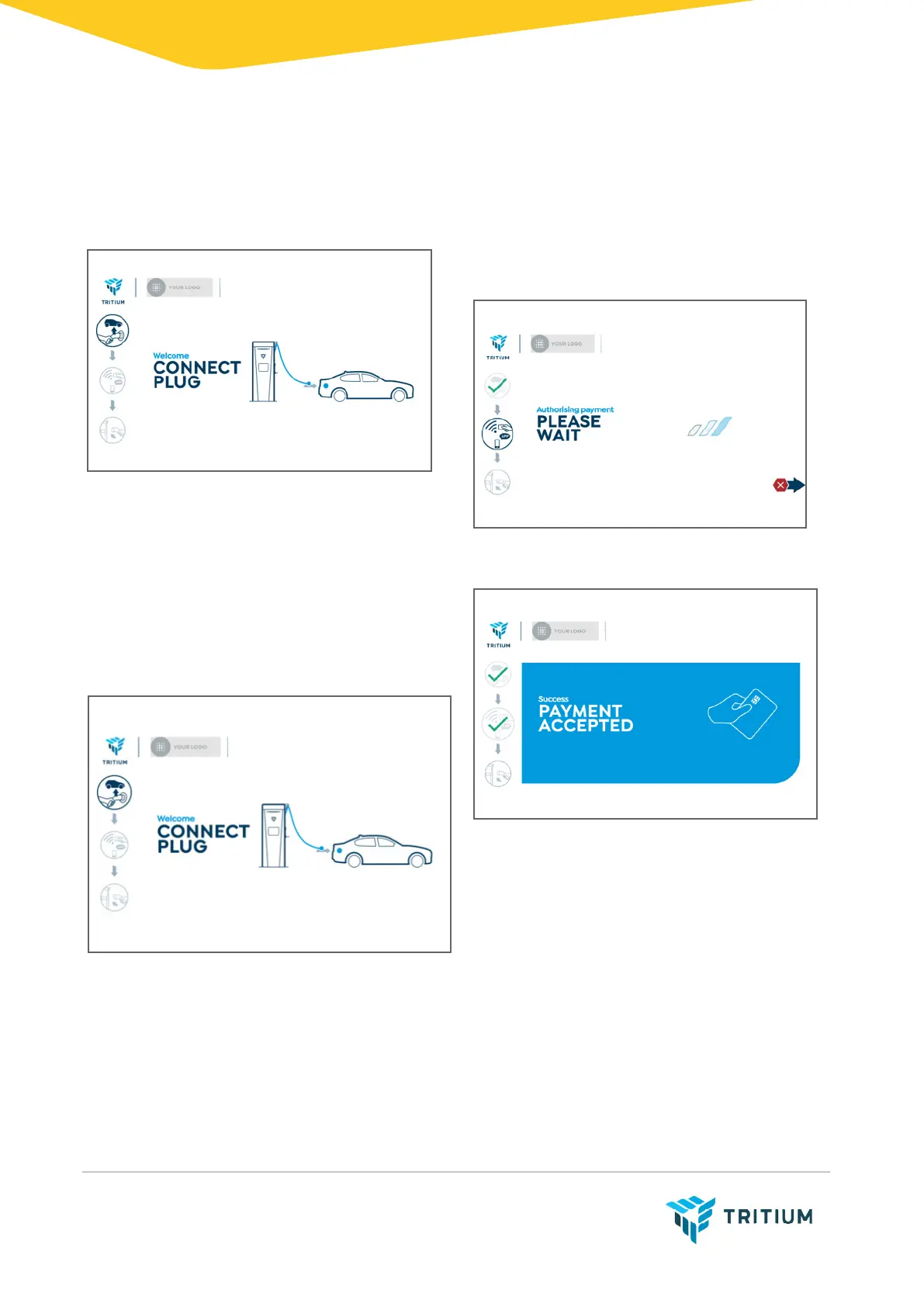
1. Ready to use
The following screen displays when the
unit is available for use, and the plug icon
is highlighted.
2. Authentication/payment
Swipe your bank or RFID card over the
payment terminal.
The charger processes the payment.
On successful payment, the pay icon
shows a tick.


 To Next Page