[17]
Remove protective caps from the optical cable.
Optical Cable may require adapter (not included) for some computer models.
Plug one end of the optical cable into the Computer.
Plug the other end of the optical cable into the Decoder Box.
Plug one end of the USB Cable into a USB port on the computer.
Plug the other end of the USB Cable into the Decoder Box.
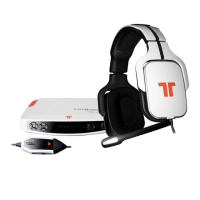
Plug the headset connector into the Decoder Box.
Plug the headset into the in-line controller.
Power ON the computer and the Decoder Box.
Connect to PC - Digital


 To Next Page