29
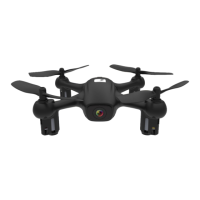
The drone needs to be calibrated if it ies unstable.
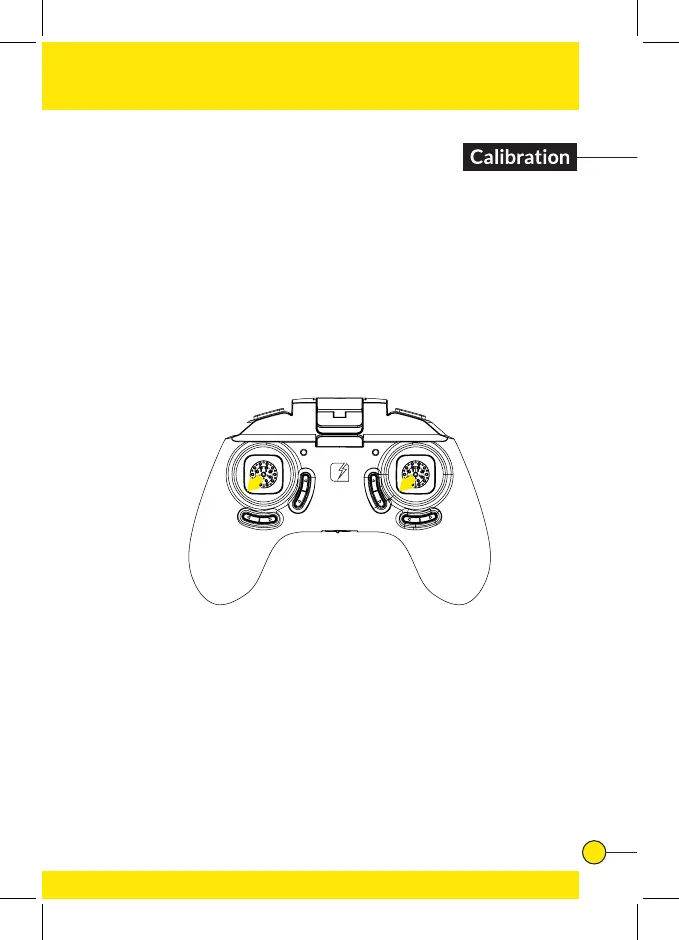
Place the drone on a at and level surface. Now, at the same
time, push both the left and right joystick to the lower left
corners and hold for 2 to 3 seconds.
The lights on the drone will start blinking rapidly, indicating
the drone is calibrating. After a few seconds the LED lights
will return back to normal, indicating the calibration was
successful.



 To Next Page