Lighting Settings
10
On the Main Menu page, Device Status page or Alarm Message page, press ENTER button to get access
to the SETING page. The LCD screen will display 6 subjects (Light/Temp/Humid/CO2/Program/System) as
shown on the picture, You can move the cursor (UP/DOWN/LEFT/RIGHT) to select the subject you wish to
edit setting.
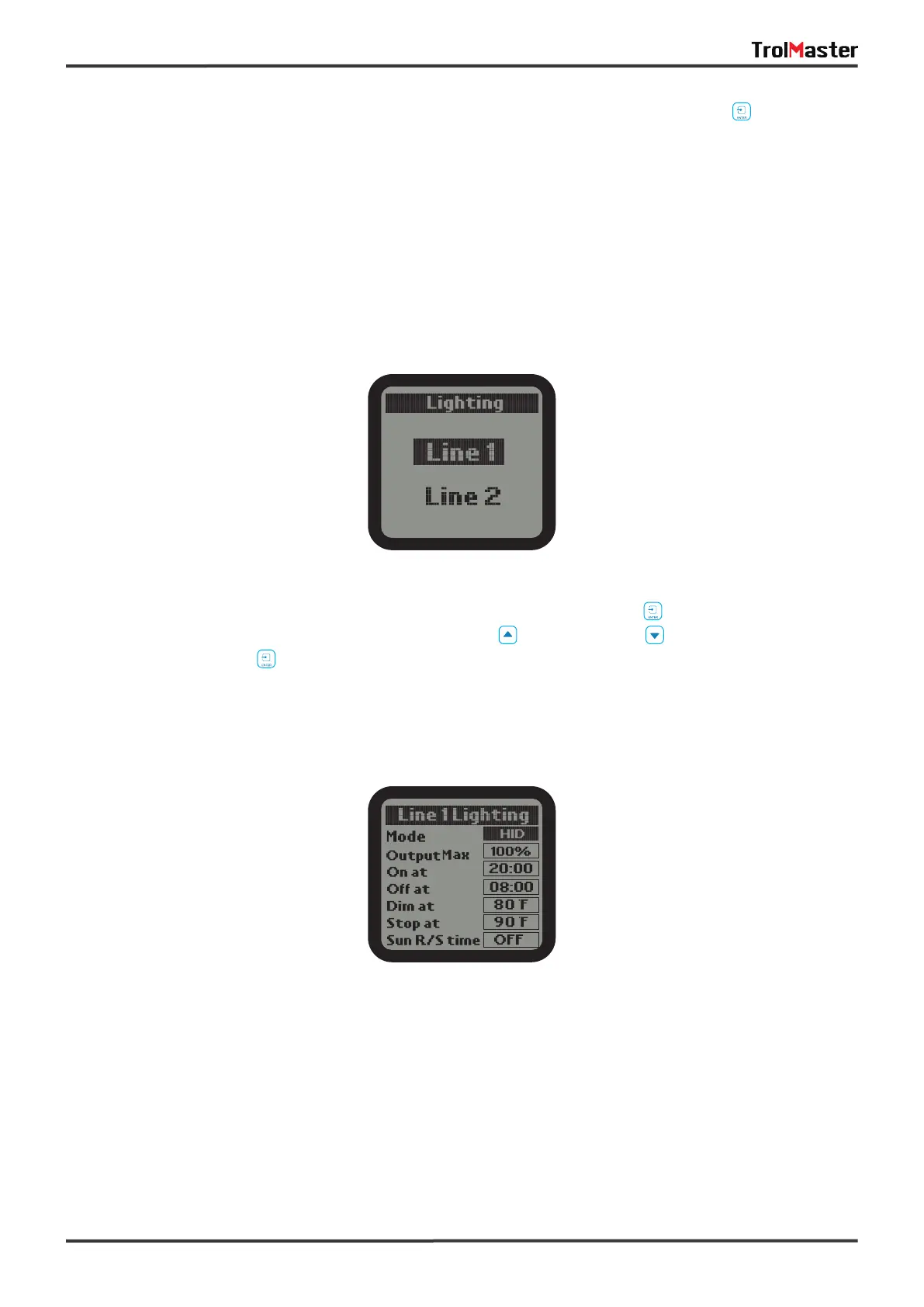
1). On the Setting page, select the Light subject and then press ENTER button to confirm your selection.
The screen will display Line 1 and Line 2. Press UP button or DOWN button to select Line 1 or Line 2.
Then press ENTER button to get into the configuration page.
2). Use the UP and DOWN button to select the optional item. Press ENTER button, the digits will be flashing,
then press UP or DOWN button for change setting. Finally, press ENTER button to confirm and save change.
Wattage: Select the wattage of ballast that will be connected to this line.
Qutput Max: Select the wattage that you would like to operate the fixtures in increment of 25 watt. User can
select any setting between 600 watts and 1150 watts for the 1000 watt fixture.
On at: The time of day that the lights for that LINE 1 will be turned ON.
Off at: The time of day that the lights for that LlNE 1 will be turned OFF.



 To Next Page