14
CO2 Settings
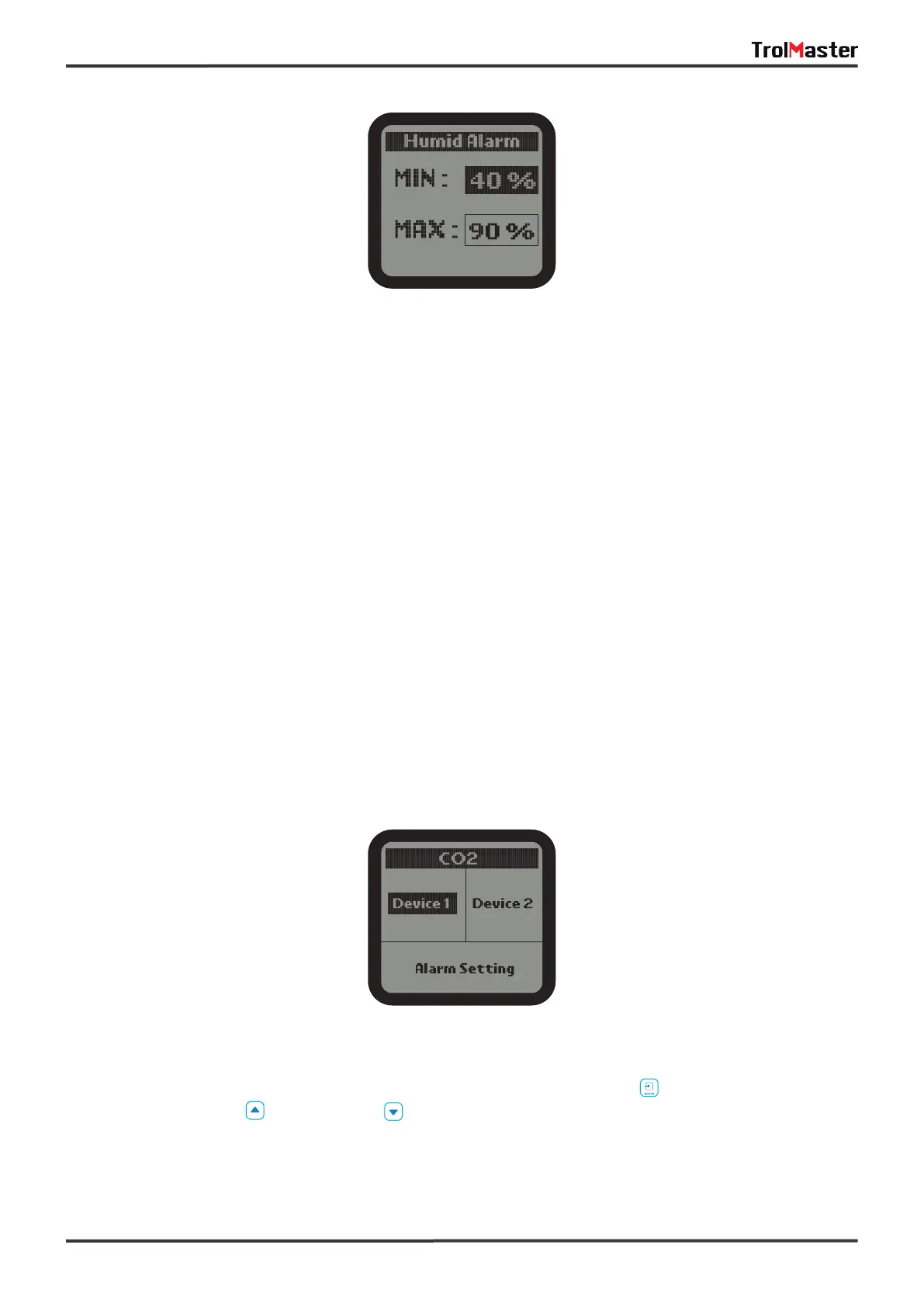
3). Press DOWN button to select and enter the Humid Alarm page. The screen will display the Min / Max
setpoint. Press UP or DOWN button to select the Min or Max setpoint. The selected item will be highlighted.
Then press ENTER button again, the current humidity setpoint will be flashing. Press UP or DOWN button to
change the setpoint. Finally, press ENTER button to confirm and save the change. The LCD will display
"Setting saved".
When the humidity level exceeds the setting range, the unit will send a warning message to your
smartphone.
The setting procedure of Humid Device Station 2 is same as above.
1). On the Setting page, select the CO2 subject and then press ENTER button to access the CO2 setting
page. Use the Up button or Down button to select the Device 1 or Device 2 or Alarm Setting.



 To Next Page