18
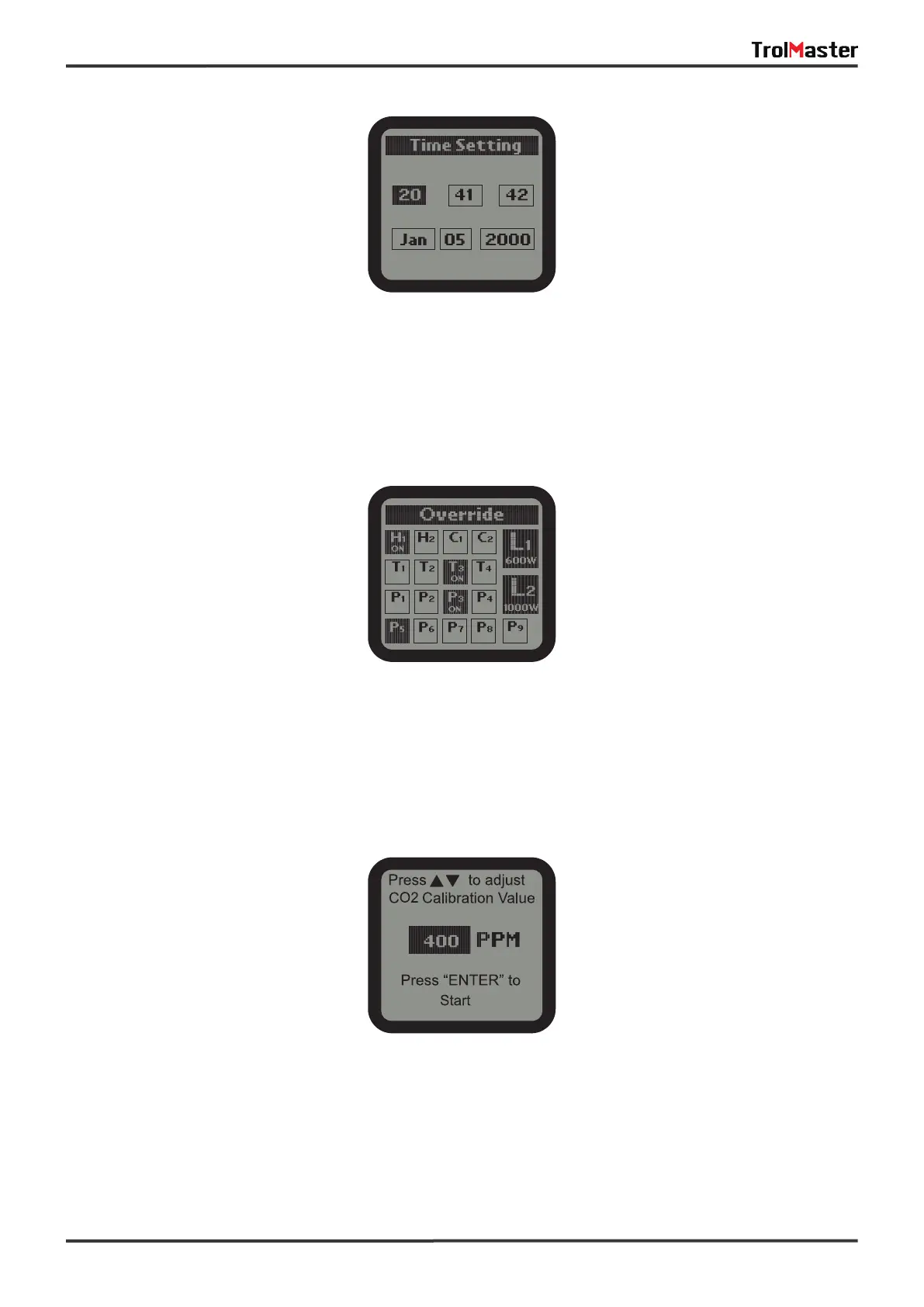
2). Time Setting:
Press UP or DOWN, LEFT or RIGHT buttons to select subject and press ENTER to start setting. Press UP or
Down for change and press ENTER button for save. The 1st line is for time (Hour_Minute_Second) and the
2nd line is for date (Month_Date_Year).
3). Override:
When Override function is selected on the System page, the cursor will be flashing. Use UP or DOWN, LEFT
or RIGHT to move to the device you want to manually override (force) to turn on or off. Press ENTER button
to active the override effect. The effective time is 10 mintues. After that, the device will back to its original
status.
4). CO2 Calibration:
After used for some time, the CO2 sensor may need to be recalibrated if tolerance occurred.
Press Enter and UP or DOWN button to adjust the calibration level if you have an accurate reference.
Otherwise, the recommended level will be 400. Press Start button to start with the CO2 calibration process.
*NOTE: Do NOT exhale or breathe near the sensor while activatirg the calibration function.



 To Next Page