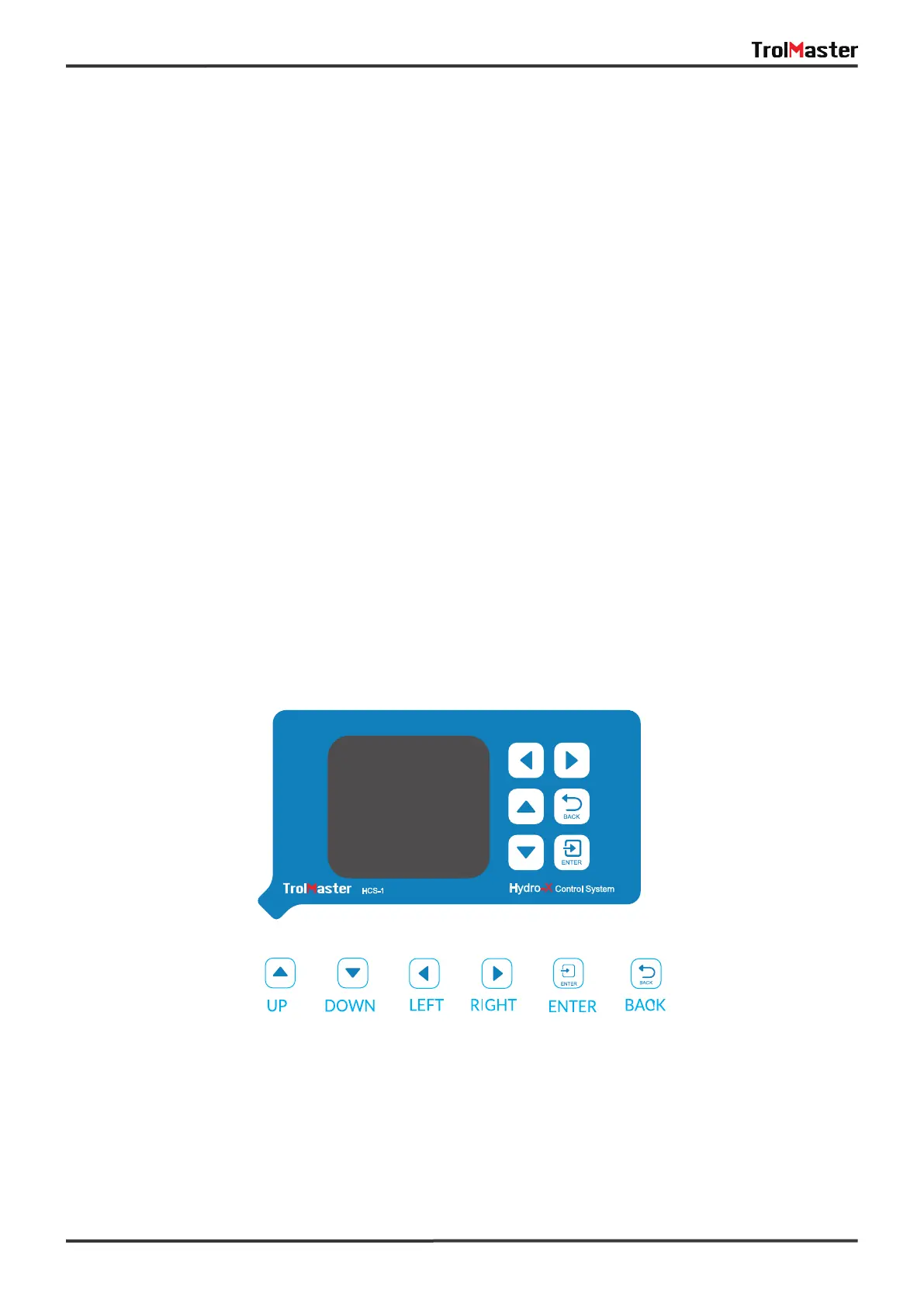
The HCS-1 Hydro-X Control System is extremely easy to use. The backlit 128x128 LCD display will provide
the user with the current conditions and access to all settings all settings. All settings can be accessed by
using the 6 pushbuttons on the front of the unit. The button functions are described below.
UP/DOWN: The Up and Down buttons move the cursor up and down to select the item on the LCD display.
LEFT/RIGHT: The Left and Right buttons move the cursor to previous page or next page, left item or right
item.
BACK: The Back button goes backwards to the previous page.
ENTER: The Enter button is used to open the menu item to be changed as well as to accept and “enter" the
new setpoint into memory.
Familiarize yourself with the function of the 6 buttons on the front of the HCS-1 Hydro-X Control System in
order to able to access settings, and to better understand how to use the HCS-1 Hydro-X Control System to
its greatest potential.
BUTTONS
5.nternet Connection
This unit has the feature of connecting the network for remote control. User can use a standard network
cable for connection through the INTERNET connector.
06



 To Next Page