Once you have connected all devices, sensors and fixtures to the HCS-1 Hydro-X Control System, we can
start using the unit.
Connect the plug-in power supply to the power connector on the bottom of theHCS-1 Hydro-X Control
System. HCS-1 Hydro-X Control System will turn on and boot up.
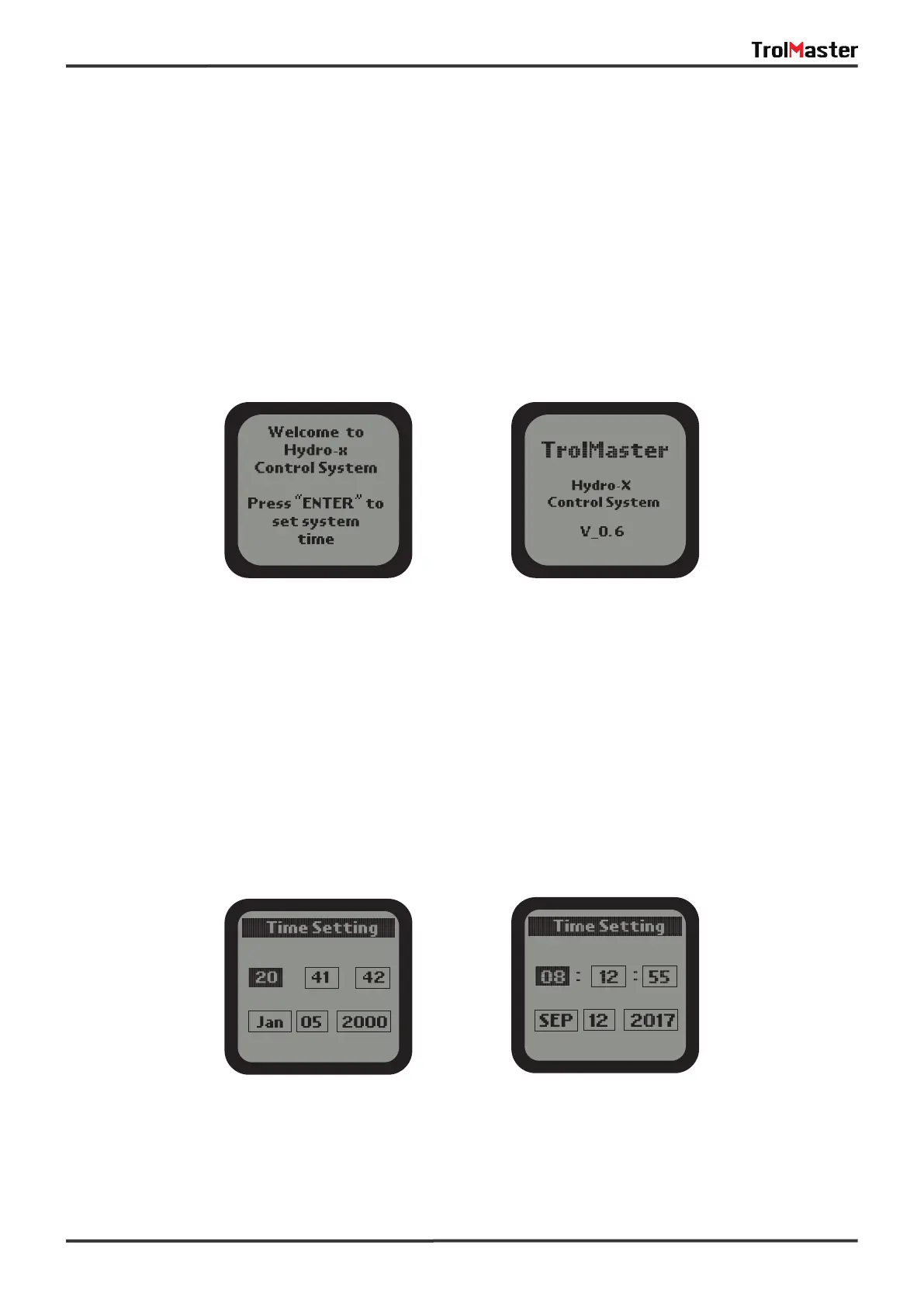
lf it is the first time you have used the HCS-1 Hydro-X Control System, when you power on the HCS-1
Hydro-X Control System the Welcome screen / page will be displayed.
*NOTE: Press ENTER button to first go to the Configuration page and begin set-up.
Time Setting: please refer to P18 for the time setting so as to change the defaulttime into the current time
before use.
Start Settings
07
First-Use Welcome Page
Default Time Current Time
Normal Start Page



 To Next Page