4 EN
climate monitoring station BZ06
Technical data
Parameter Value
Model
BZ06
Article number 3.510.205.016
Weight
(incl. batteries)
approx. 81g
Dimensions
(heightx widthx
depth)
approx. 134mmx 60mmx 44mm
Display LCD (monochrome)
Power supply 1battery of typeAAA, 1.5V
Relative humidity
Measuring range 20%RH to 99%RH
Accuracy ±5 %RH
Resolution 1%
Air temperature
Measuring range -10°C to 50 °C or 14°F to 122 °F
Accuracy ±1 °C or ±1.8 °F
Measuring range
resolution
1 °C / °F
Ambient conditions
Operation -10°C to 50°C or 14°F to 122°F
and 90%RH (non-condensing)
Storage -10°C to 50°C or 14°F to 122°F
and 90%RH (non-condensing)
Scope of delivery
• 1x Device BZ06
• 1x Battery, typeAAA, 1.5V
• 1 x Quick guide
Transport and storage
Note
If you store or transport the device improperly, the
device may be damaged.
Note the information regarding transport and storage of
the device.
Transport
When transporting the device, ensure dry conditions and and
protect the device from external influences e.g. by using a
suitable bag.
Storage
When the device is not being used, observe the following
storage conditions:
• dry and protected from frost and heat
• protected from dust and direct sunlight
• The storage temperature is the same as the range given in
the Technical data chapter.
• Remove the batteries from the device.
Operation
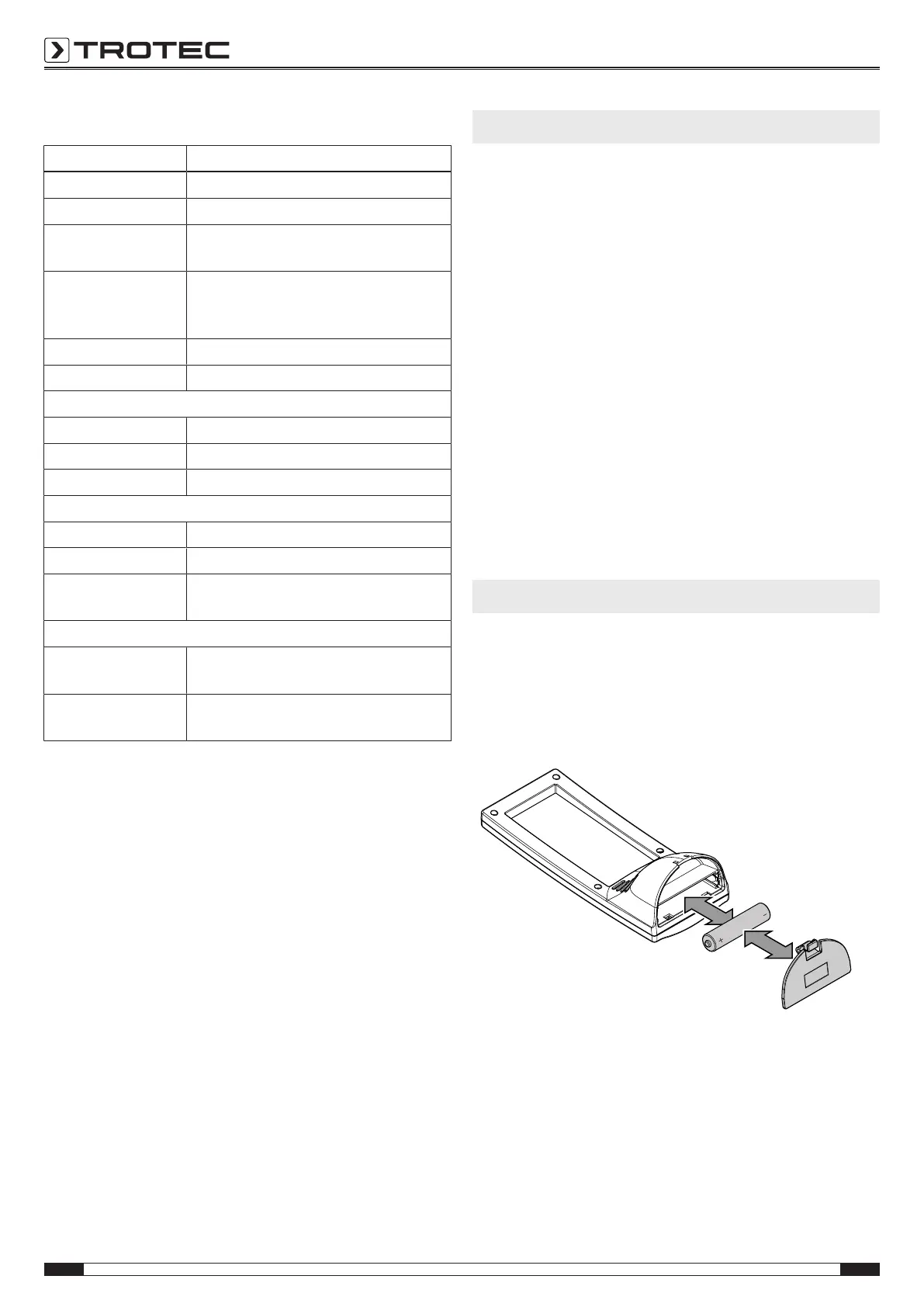
Inserting the battery
Prior to first use, insert a battery (typeAAA, 1,5V) into the
device. To do so, please proceed as follows:
1. Open the battery compartment(11) at the bottom of the
device.
2. Insert the batteries with correct polarity(+/-).
3. Close the battery compartment.
ð The display will be activated and an acoustic signal is
emitted.


 To Next Page