EasyManua.ls Logo

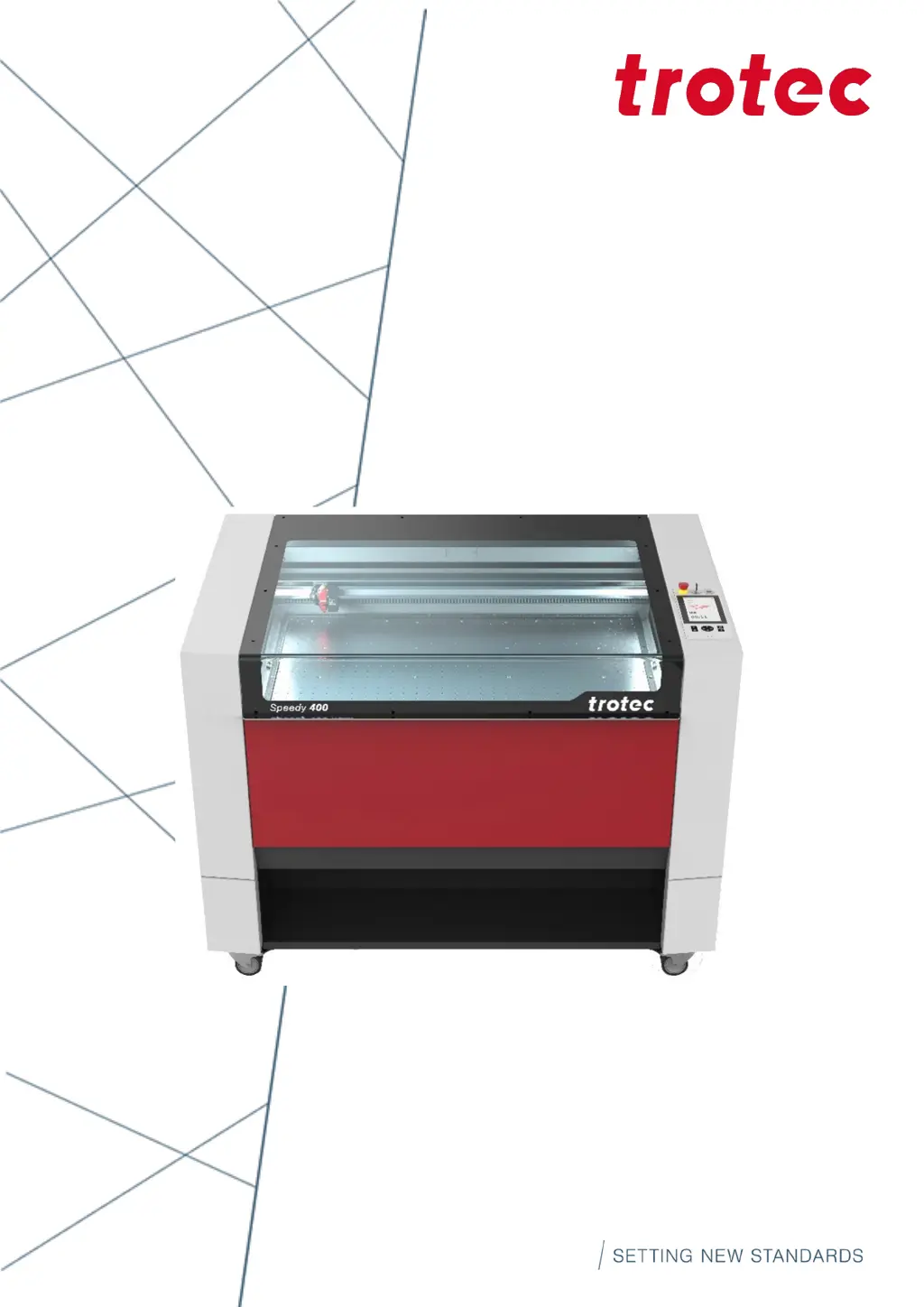
Trotec Speedy 400 - User Manual

Trotec Speedy 400
89 pages
Print Icon
To Next Page IconTo Next Page
Loading...
Speedy 400
Operating manual
8070
OM 8070_1.12_EN (07/2021)
ENGLISH (Translation)

Table of Contents

Other manuals for Trotec Speedy 400

Questions and Answers

  • L
    Lindsay SchmidtAug 19, 2025
    What to do if my Trotec Speedy 400 Printer has missing cut lines?
    • W
      William DanielsAug 19, 2025
      If your Trotec Printer is missing cut lines, it could be due to several factors. First, check the material database to ensure there are enough passes specified; if not, increase the number of passes. Also, if the line thickness in CorelDraw is too large, reduce it to the smallest possible value. Finally, verify that the color was not skipped in the software; if it was, set the color to cutting in the database.
  • M
    Mr. David LunaAug 21, 2025
    What to do if my Trotec Printer has too low engraving depth?
    • T
      tgrahamAug 21, 2025
      If your Trotec Printer is producing engravings that are too shallow, it might be due to imprecise focusing. Therefore, you should check the focus. It could also be caused by dirty optics, so cleaning the optics is advised.
  • G
    Gregory WrightAug 25, 2025
    Why are corners and angles not cut or marked on my Trotec Speedy 400?
    • J
      jessicaaguirreAug 25, 2025
      If the corners and angles are not being cut or marked properly, it could be because the power is too low. To resolve this, increase the correction in the software, which can be found under Settings / Material Templates Setup - Correction.
  • A
    ashleycarterAug 26, 2025
    What to do if my Trotec Printer has blurred edges?
    • H
      hernandezkirkAug 26, 2025
      If your Trotec Printer is producing blurred edges, this could be due to imprecise focusing. Check the focus to resolve this issue.
  • K
    Kathy AdamsAug 27, 2025
    What does Errorcode 124 mean on my Trotec Printer and how to fix it?
    • J
      Jill YorkAug 28, 2025
      Errorcode 124 on your Trotec Printer indicates that interlocks were open during the referencing process. Restart the machine using the key switch to resolve this issue.
  • S
    Steven NorrisAug 30, 2025
    What to do if my Trotec Speedy 400 has no visible marking result?
    • J
      Joe GrantAug 30, 2025
      If your Trotec Printer isn't marking, it could be due to several reasons. The laser power might be too low, so try increasing the power setting. Alternatively, the speed could be too high; try reducing the speed. Also, check the focus, and if you're using the wrong focus tool, change it. If using autofocus, verify the settings within the software, including the lens, material thickness, and table settings.
  • D
    Douglas ThomasSep 1, 2025
    Why does the size to be engraved or cut not match the size in CorelDraw on my Trotec Speedy 400?
    • L
      Lauren SandersSep 1, 2025
      If the engraved or cut size doesn't match the size in CorelDraw, it could be due to a few reasons. Check if raster correction is enabled in the software and switch it off, as it is located in settings/advanced options/laser tab. Ensure the size settings in the printer driver match those in CorelDraw. Also, verify that the image position is set to 'as in document' in the layout tab (printing). Lastly, confirm that the correct machine is selected in the software.
  • D
    dmyersSep 3, 2025
    What to do if my Trotec Speedy 400 Printer is not referencing after commissioning?
    • S
      Seth HaneySep 3, 2025
      If your Trotec Printer is not referencing after commissioning, it might be because the top, front, or side door is not completely closed. Ensure that all doors are closed properly.
  • K
    kimberly87Sep 5, 2025
    What to do if my Trotec Speedy 400 has waviness of the lines?
    • U
      ufloresSep 5, 2025
      If the lines are wavy on your Trotec Printer, the lens might be loose. Check the lens and lens holder to ensure they are properly secured.
  • M
    Mrs. Annette Lee MDSep 7, 2025
    What to do if my Trotec Speedy 400 is not responding upon switching on?
    • G
      Greg DurhamSep 8, 2025
      If your Trotec Printer shows no response when switched on, the fuse might be blown, so check the fuses. Alternatively, there might be no electric power at the power outlet, so check the power outlet.

Summary

General Information

Manual Structure and Symbols

Overview of the manual's content and explanation of safety symbols used.

General Information (cont.)

Scope of Delivery and Type Plate

Details on standard delivery contents and identification type plate information.

Safety

General Safety Notes and Intended Use

Essential safety guidelines and the machine's intended application.

Safety (cont.)

Improper Use, Residual Risk, and Modifications

Prohibited uses, inherent risks, and restrictions on machine modifications.

Safety (cont.)

Applicable Safety Regulations

Overview of relevant directives and harmonized standards for laser systems.

Safety (cont.)

Laser Safety and Classification

Explanation of laser class risks and safety precautions for Class 2 and Class 4 lasers.

Safety (cont.)

Areas of Responsibility

Defines responsibilities for operating company and personnel.

Safety (cont.)

Operating Personnel Responsibilities

Specific duties and safety obligations for operating personnel.

Safety (cont.)

Personnel Requirements for Operation and Service

Qualifications and training requirements for personnel.

Safety (cont.)

Warning and Information Labels

Identification and importance of warning labels on the machine.

Safety (cont.)

Safety Devices

Description of safety devices and their function.

Safety (cont.)

Technical Protective Measures

Overview of technical measures for machine safety.

Safety (cont.)

Emergency Stop and Interlock Switches

Operation and function of emergency stop and interlock safety switches.

Safety (cont.)

Secondary Hazards and Fire Prevention

Information on indirect hazards, fire risks, and prevention measures.

Safety (cont.)

Material Processing Hazards

Risks associated with gases, fumes, dust, and material reflections.

Safety (cont.)

Optics Safety and Damage Protection

Guidelines for handling optics and protective measures against damage.

Safety (cont.)

Emergency Procedures

Actions to take during malfunctions, accidents, and fires.

Technical Data

Dimensions, Electrical, and Exhaust Requirements

Specifications for machine dimensions, electrical needs, and exhaust systems.

Technical Data (cont.)

List of Materials

Categorization of materials suitable for cutting, engraving, and marking.

Machine Overview

Component Identification and Features

Identification of machine parts and description of standard features.

Machine Overview (cont.)

Status Indicators and Doors

Description of status LEDs and machine doors.

Machine Overview (cont.)

Tables and Work Surfaces

Information on the multifunctional table concept and variants.

Machine Overview (cont.)

Lenses and Nozzles

Details on available lenses and nozzles for the machine.

Transport

Safety, Delivery, and Conditions

Safety notes for transport, delivery state, and environmental conditions.

Transport (cont.)

Handling, Storage, and Inspection

Procedures for machine handling, storage, and defect reporting.

Setup and Installation

Safety, Environment, and Space Requirements

Safety precautions, environmental conditions, and space needs for setup.

Setup and Installation (cont.)

Installation Space and Setup Steps

Guidelines for machine placement and step-by-step setup instructions.

Setup and Installation (cont.)

Connections and PC Recommendations

Information on mains and network connections, and PC requirements.

Setup and Installation (cont.)

Additional Component Connections

Instructions for connecting exhaust systems and other components.

Operation

Commissioning and Power Control

Steps for pre-commissioning checks and machine power on/off.

Operation (cont.)

Control Panel and Keypad Usage

Guide to operating the control panel and keypad functions.

Operation (cont.)

Keypad Functions and Focusing Methods

Detailed explanation of keypad buttons and focusing techniques.

Operation (cont.)

Options: Rotary Attachment and Gas-Kit

Description and usage of optional rotary attachments and gas-kit.

Operation (cont.)

Vision Print&Cut and Temperature Sensor

Features of Vision Print&Cut and temperature sensor monitoring.

Maintenance

Safety and Maintenance Plan

Safety precautions for maintenance and a detailed maintenance schedule.

Maintenance (cont.)

Cleaning Procedures

Instructions for cleaning the machine, optics, lenses, and mirrors.

Troubleshooting

Error Diagnosis and Remedies

Guide to identifying common problems and their solutions.

Contact Details

Support, Offices, and Documentation

Information on how to contact technical support and sales offices.

Disassembly

Disassembly Steps

Step-by-step instructions for safely disassembling the machine.

Disposal

Waste Disposal Guidelines

Proper procedures for disposing of the machine and its components.

Technical Datasheet

Machine Specifications Overview

Summary of key technical specifications, features, options, and accessories.

EC Declaration of Conformity

Machine Identification and Compliance

Declaration of machine compliance with EC directives and regulations.

Trotec Speedy 400 Specifications

General IconGeneral
TypeLaser engraving and cutting machine
Max. Workpiece Height305 mm
Laser TypeCO2 Laser
InterfaceUSB, Ethernet
SoftwareJobControl
Working Area1000 x 610 mm
Power Supply230 V / 50-60 Hz
Laser Power30 - 120 Watts
Resolution1000 dpi

Related product manuals