6
On completion, the following screen
appears:
12. Accept the default settings and click OK.
To complete the installation:
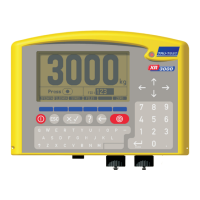
1. Switch on the Bluetooth XR3000 indicator.
2. Check that Bluetooth is enabled on the indicator (press
, , ,
to go to the Bluetooth screen. Ensure Bluetooth is enabled).
3. On the computer, click Start > BlueSoleil to launch the BlueSoleil software if it is not already opened.
4. Click MyBluetooth > Bluetooth Device Discovery.
The following screen appears:
All Bluetooth devices within range of the
computer are displayed as icons on this
screen (the BlueSoleil main window). This
will include the XR3000, plus any others
(e.g. your Bluetooth mobile phone or
PDA).
5. Right-click on the XR3000 icon on this
screen and select Refresh Services.
6. Right-click on the XR3000 icon again and
choose Pair Device.
The following dialogue box appears:
7. Enter the Passkey: default
and click OK.

 To Next Page
 Loading...