8
9. Click Apply Settings.
10. Disconnect the curly serial cable from your computer.
11. Replace the Serial End Cap with the Bluetooth End Cap.
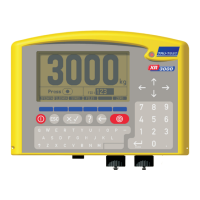
Checking to see whether the Bluetooth device is connected to the Bluetooth XR3000
indicator
When Bluetooth communication has been enabled on the Bluetooth XR3000 indicator, and a Bluetooth
device (such as a Bluetooth computer or EID stick reader) has been configured for use with the indicator,
“Bluetooth Connected” will be displayed on the indicator’s Weighing screen whenever the device is within
range and the device is actuated.
To view the Bluetooth signal strength as a percentage, navigate to the Bluetooth screen (
,
, , ).
For more information about our products, see www.tru-test.com
.


 To Next Page
 Loading...