Wuxi Truckrun Motor Co.,Ltd
Wuxi Truckrun Motor CO.,Ltd reserves the right of final interpretation
2.6 Function setting and View
1) Setting function
Enter/Exit setting: When the vehicle is powered on and at resting state, hold “DOWN”
and “UP” to enter the setting screen. The speed position with characters blinking. Press MODE
to enter the setting or viewing screen. Press the UP/DOWN key to adjust the parameter Settings,
and press the MODE key to save the Settings and exit. Press the UP/DOWN key to enter the
next function screen, hold DOWN and UP to save the Settings and exit.
During setting state, no any operation within 30S, Display saves current setting and
back to main UI, Gear 0 in default.
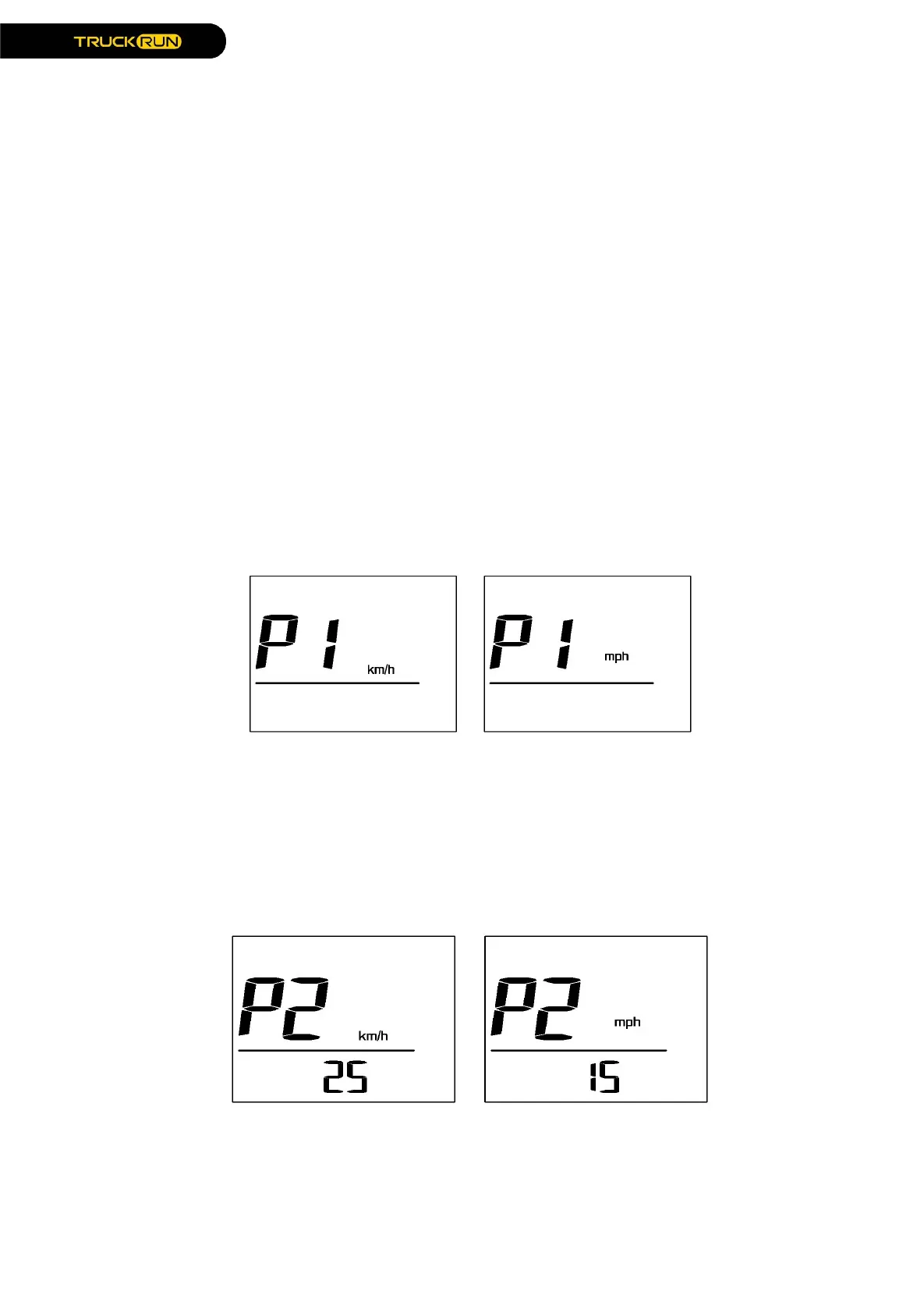
2) Select Metric and imperial system
The speed position P1 is displayed on the setting screen. Press MODE to enter the
setting option. Press UP/DOWN to switch mph or km/h . Press the MODE key to exit the setting
option, press the UP key to enter the speed limiting setting screen. Hold DOWN and UP keys at
the same time to return to Main UI.
The default unit is KM/H.
3) Speed limited
Enter the setting menu, "P2" is displayed in the speed position, Speed unit is metric,
the speed limit number is displayed in the mileage position. Press 0.5S "MODE" to enter the
speed limit setting interface, and press "UP/DOWN" to set speed limit. Press 0.5S "MODE" to
exit setting , press 0.5S "UP" to enter the wheel size setting , or hold DOWN "UP" and "Down" to
return to the main screen.


 To Next Page
 Loading...