AIS-CTRX CARBON Class B AIS Transponder Manual
1.1E 36 CTRX CARBON Manual
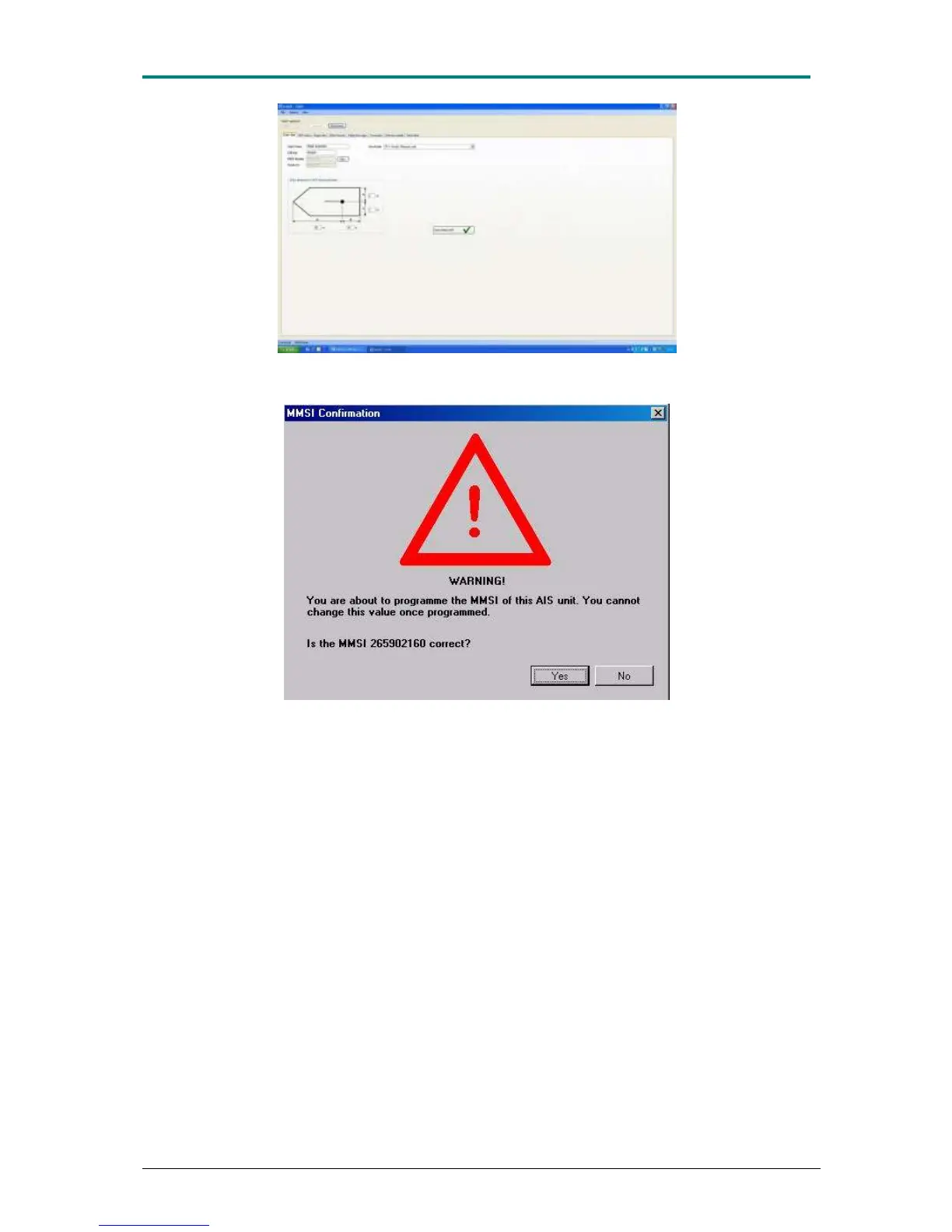
Figure 16 AIS-CTRX CARBON is now connected and one can see that all data is correctly entered.
Always reconfirm this before AIS-CTRX CARBON is started.
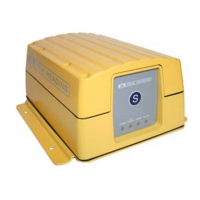
Figure 17 Before AIS-CTRX CARBON be programmed, this warning will always appear to ensure that
the correct MMSI numbers have been entered.
The next proAIS software menu is ‖GPS status‖ ;check here that the AIS-CTRX
CARBON transponder's built-in GPS receives GPS data correctly. This tool can
conveniently be used during installation to see that the GPS antenna has been
placed in a good location for reception and that cables and connections are properly
assembled and not damaged. When AIS-CTRX CARBON receives GPS signals, a
column for each received satellite will be displayed in the diagram. While the columns
are blue AIS-CTRX CARBON has not locked on a satellite; when the columns switch
over to green, lock on the respective satellite is obtained. The transponder needs
four or more satellites to be able to start navigating. AIS-CTRX CARBON must have
GPS data to be able to start to transmit. AIS-CTRX CARBON, however, functions
as an AIS receiver also without GPS data. The built-in GPS in AIS-CTRX CARBON is
of good quality and can be used for navigation. It is then important that out-data
speed is increased under the tab ‖Commands‖ according to Page 44, Figure 31 .


 To Next Page