15
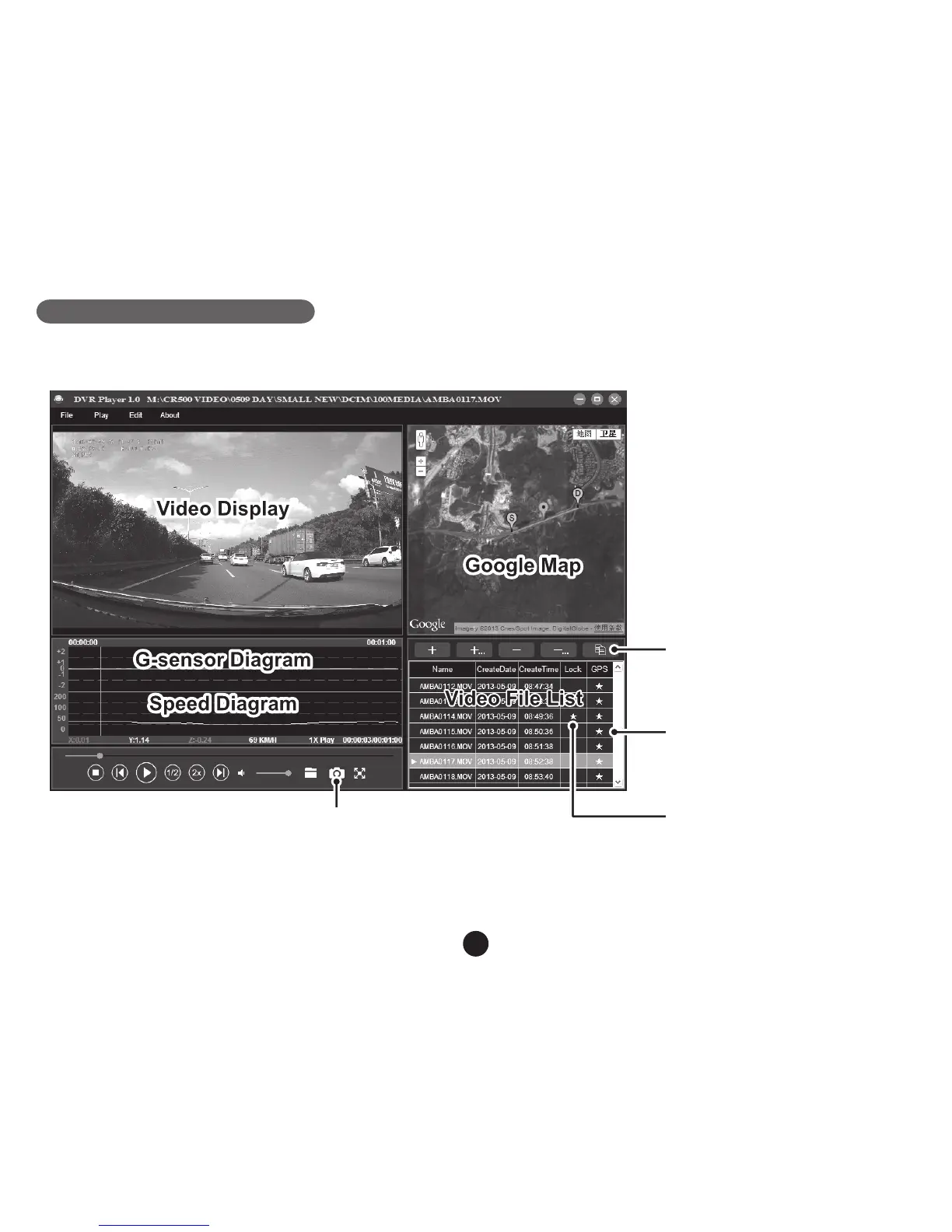
DVR player
The DVR player is located on the TF card when viewed in a computer. The DVR player will be shown as on the
screen-shot bellow.
Pressing this button,
video file can copy to any folder
★ means video is locked
★ means video has GPS file
The captured picture will be stored in “DVRPlayer_Images” folder.
Note: Before using the player, please install Apple QuickTime, Microsoft DirectX 9.0C and Internet Explorer 7.0
or higher.
This button will copy the les
to any folder.
This button indicates that the
le contains GPS coordinates.
This button indicates that
the le is locked.



 To Next Page