5
c) LED light status list
LED light Status Description
Status light (blue)
Flash Device is recording
On Device is in standby or playback mode
Off Device is off
Charging light (red)
On Charging battery
Off Charging nish
d) Product accessories
1. Car DVR x1 2. Car charger x1 3. Camera holder x1 4. Sticker x1 5. Sucker x1
6. HDMI cable x1 7. USB cable x1 8. User's manual x1 9. GPS/Speed camera detector module x1
10. CD
11. UV lter (optional)
11.CPL lter (optional)
Basic operation
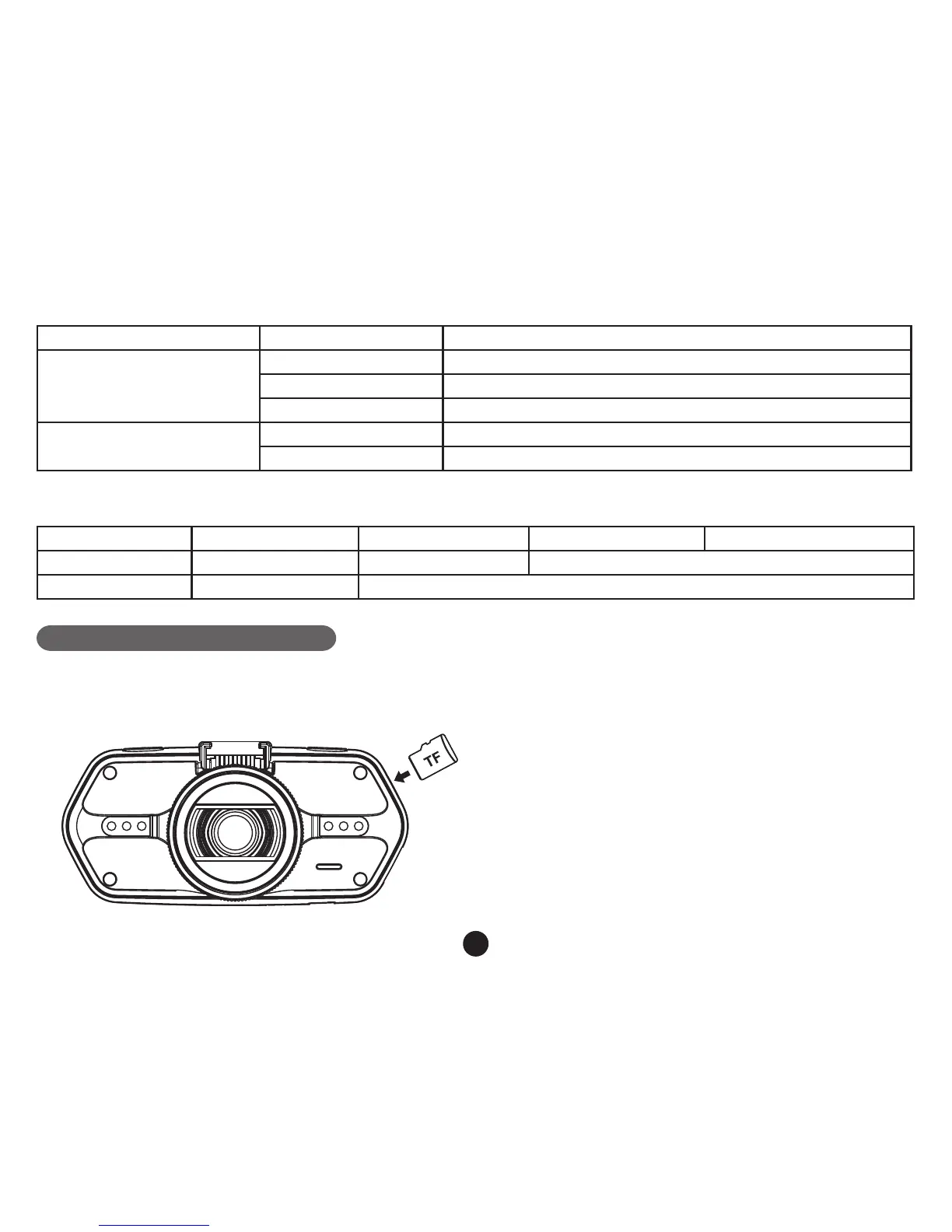
a) TF card installation
Install the TF card into TF card slot as shown in the picture bellow.



 To Next Page