18
Adjuing the volume
Your hearing inruments automatically adju the volume
to the liening situation.
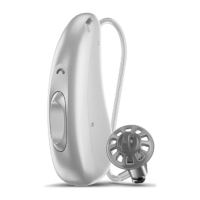
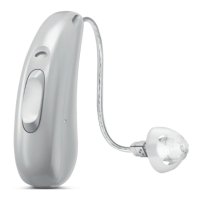
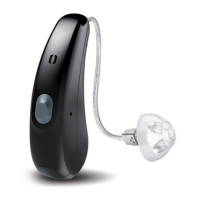
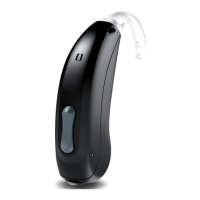
XIf you prefer manual volume adjument, press the
rocker switch.
Refer to section "Controls" for the setting of the
rocker switch.
An optional signal tone can indicate the volume change.
Once the maximum or minimum volume has been
reached, you may hear an optional signal tone.
Changing the hearing program
Depending on the liening situation, your hearing
inruments automatically adju their sound.
Your hearing inruments may also have several hearing
programs which allow you to change the sound, if
needed. An optional signal tone can indicate the program
change.
XTo change the hearing program, press the
rocker switch.
Refer to section "Controls" for the setting of the
rocker switch. Refer to section "Hearing programs" for
a li of your hearing programs.
The default volume is applied.




 To Next Page