8
IMPORTANT NOTE:
• If installing on Windows XP, Service Pack 3 (SP3) is required. Verify that this has been
installed before installing the Wireless USB To VGA Adapter Kit software.
• Before installing the software, make sure that the Wireless USB Host Adapter and the
Wireless VGA Device Adapter are not connected to the computer and the Wireless VGA
Device Adapter is not powered.
S
TEP 1-INSTALLING THE SOFTWARE
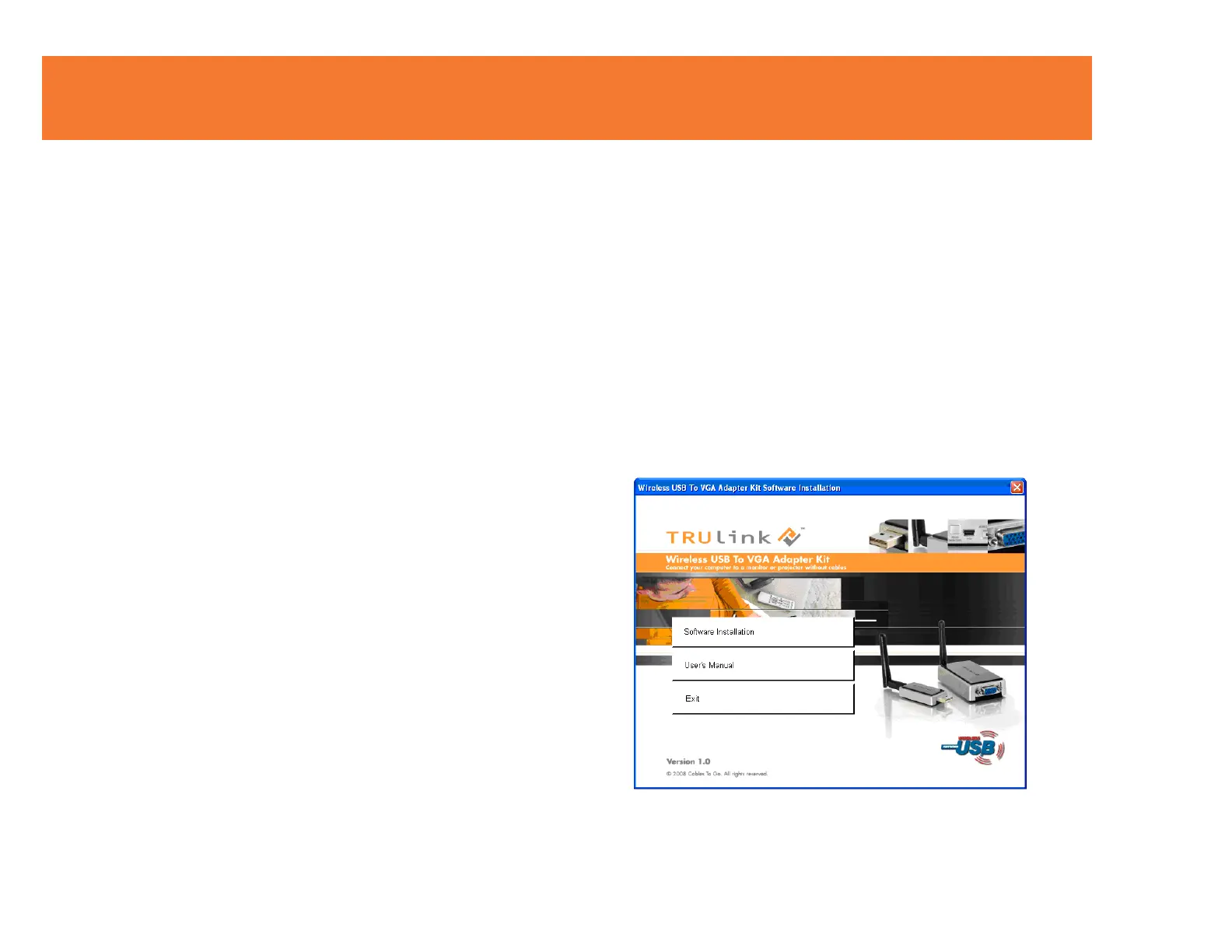
Insert the CD provided and the screen below will appear. Select the “Software Installation” from the
menu.
SOFTWARE/DEVICE INSTALLATION



 To Next Page