10
STEP 2 (IF NECESSARY)-DRIVER INSTALLATION FOR THE WIRELESS USB HOST ADAPTER (SOLD SEPARATELY)
1. Install your Wireless USB host adapter if you have not already done so. Please refer to your Wireless
USB host adapter instructional guide or you may try to contact the manufacturer for the proper driver
installation process.
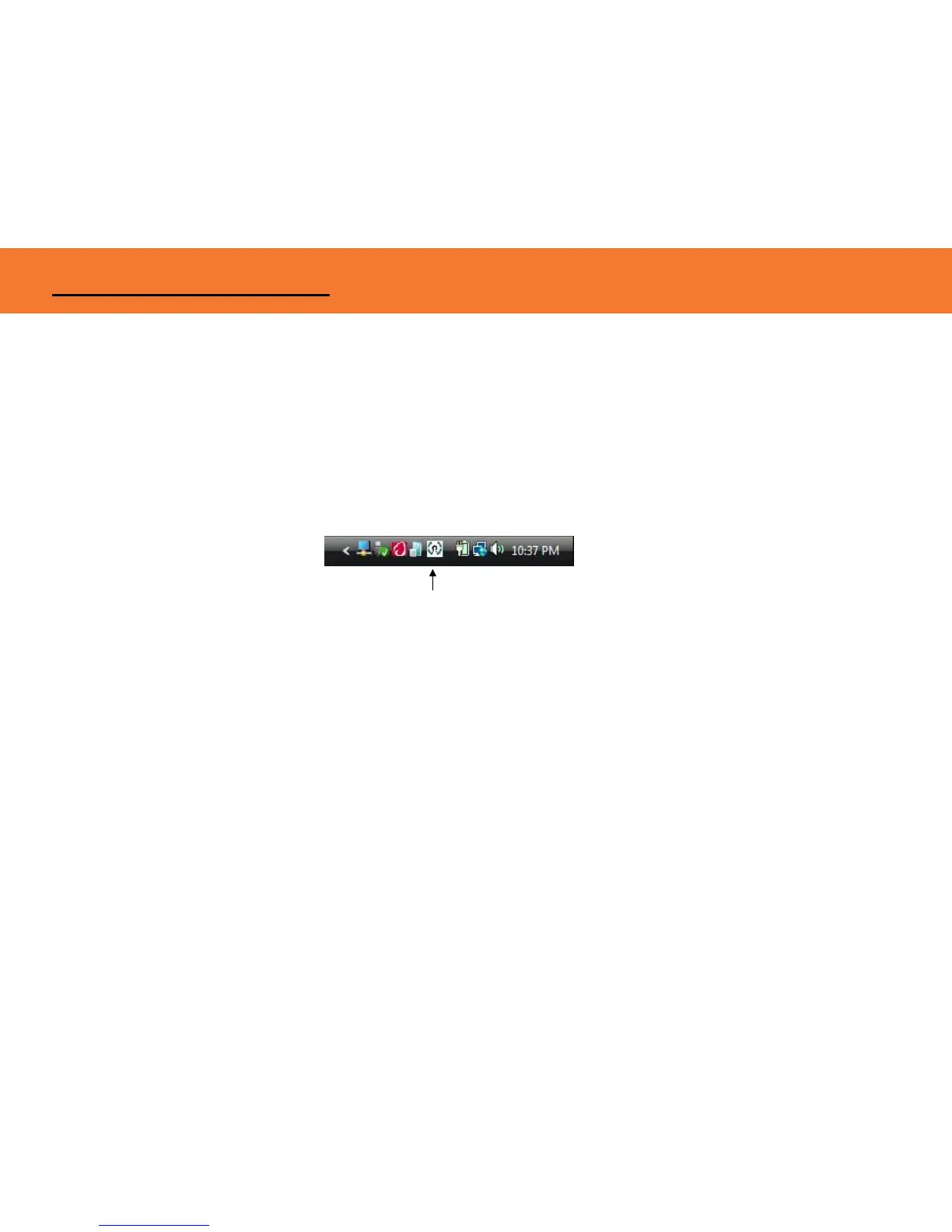
2. Your Wireless USB host software utility may create an icon in your icon tray. Double-click the icon on
the icon tray at the bottom of your desktop to open the utility. Below is an example of the Wireless
USB Manager utility icon.
The Wireless USB software utility will open and instruct you on what to do next.
Figure: Wireless USB Manager
SOFTWARE/DEVICE INSTALLATION



 To Next Page