31
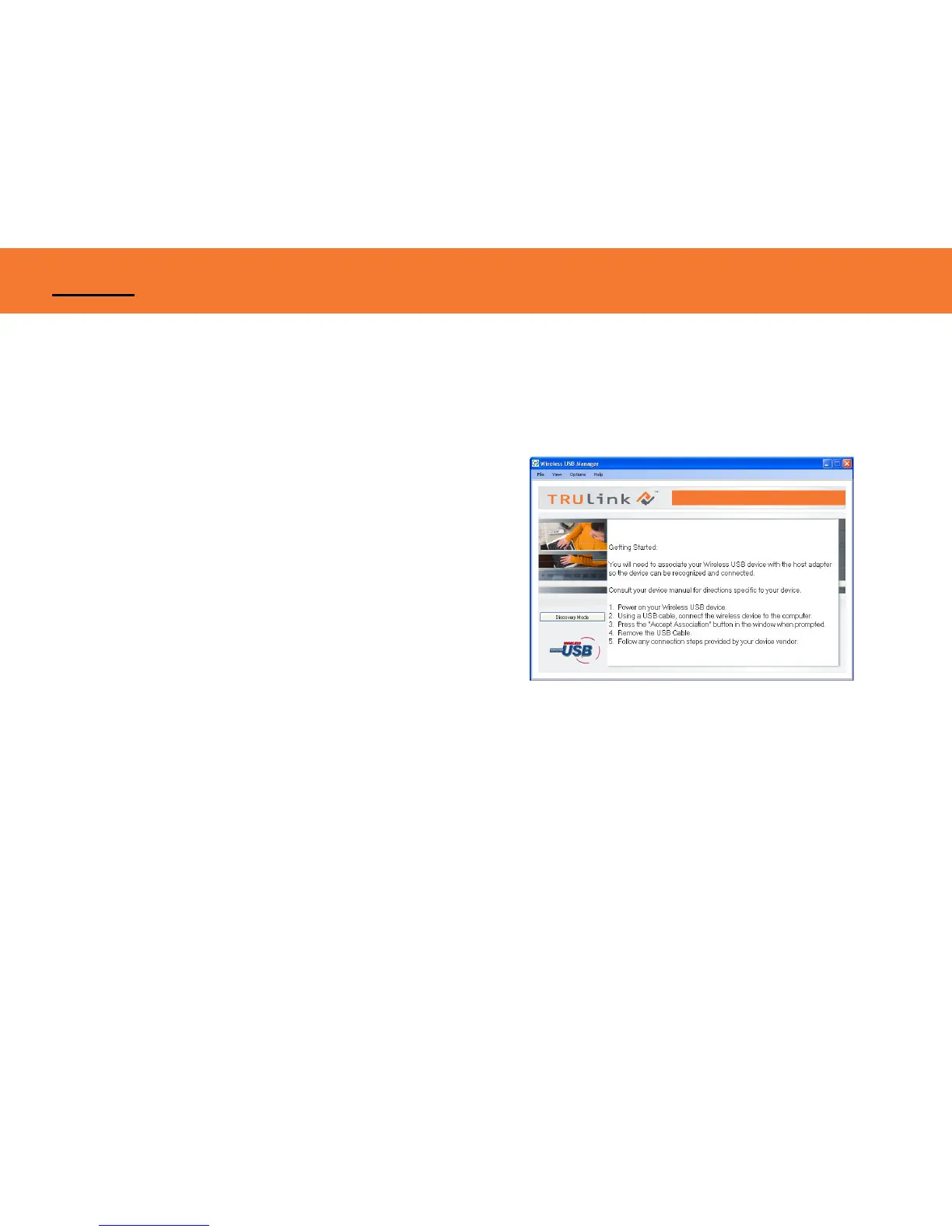
Figure: Discovery Mode Screen
PIN ASSOCIATION PROCEDURE
PIN association steps: Examples/Figures shown used with the association of the TruLink Wireless AV
Adapter when used with the TruLink Wireless USB Host Adapter.
1. Make sure your Wireless AV Adapter is powered on and
your Wireless USB host adapter is connected to your
computer. Click the “Discovery Mode” button (Figure:
Discovery Mode Screen).
APPENDIX



 To Next Page