30
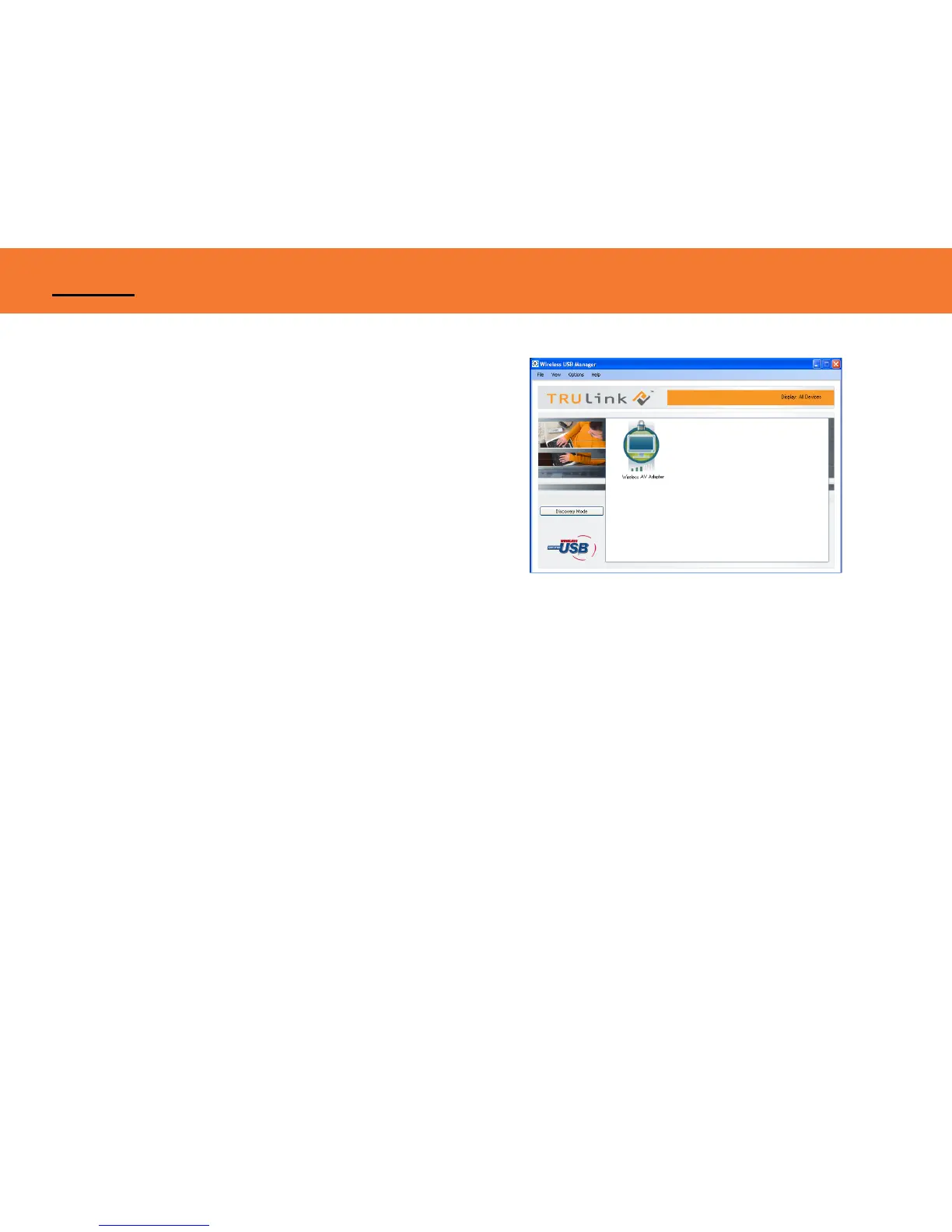
Figure: Wireless AV Adapter Connected
Associated Certified Wireless USB Devices will appear as
icons in the Wireless USB Manager. When the Certified
Wireless USB Devices are connected, the icon will appear in
color (Figure: Wireless AV Adapter Connected).
Note: You may rename or delete the Wireless USB Device by right-clicking the device icon in the
Wireless USB Manager and select “rename” or “delete”.
APPENDIX



 To Next Page