18
AUDIO SETTINGS
Upon connecting the Wireless AV Adapter, your audio output from your PC will be defaulted through it at
50% listening level.
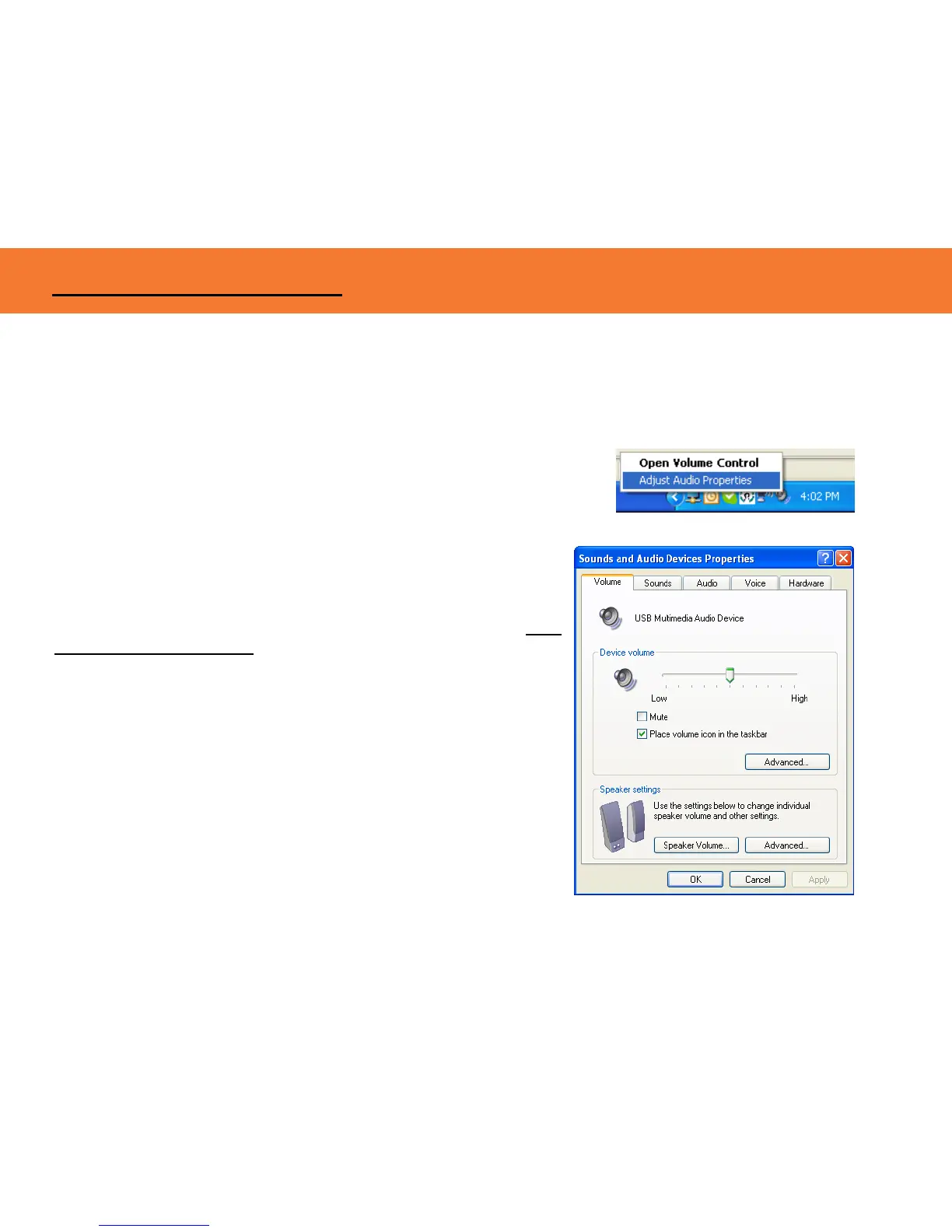
By right-clicking on the audio icon in the systems icon tray, you can go to
Adjust Audio Properties to make any audio adjustments as you would
with any audio projection device.
That will open up the Sounds and Audio Devices Properties
screen and here you can make any adjustments. The name given
to the audio output through the Wireless AV Adapter is USB
Multimedia Audio Device.
USING THE WIRELESS AV ADAPTER



 To Next Page