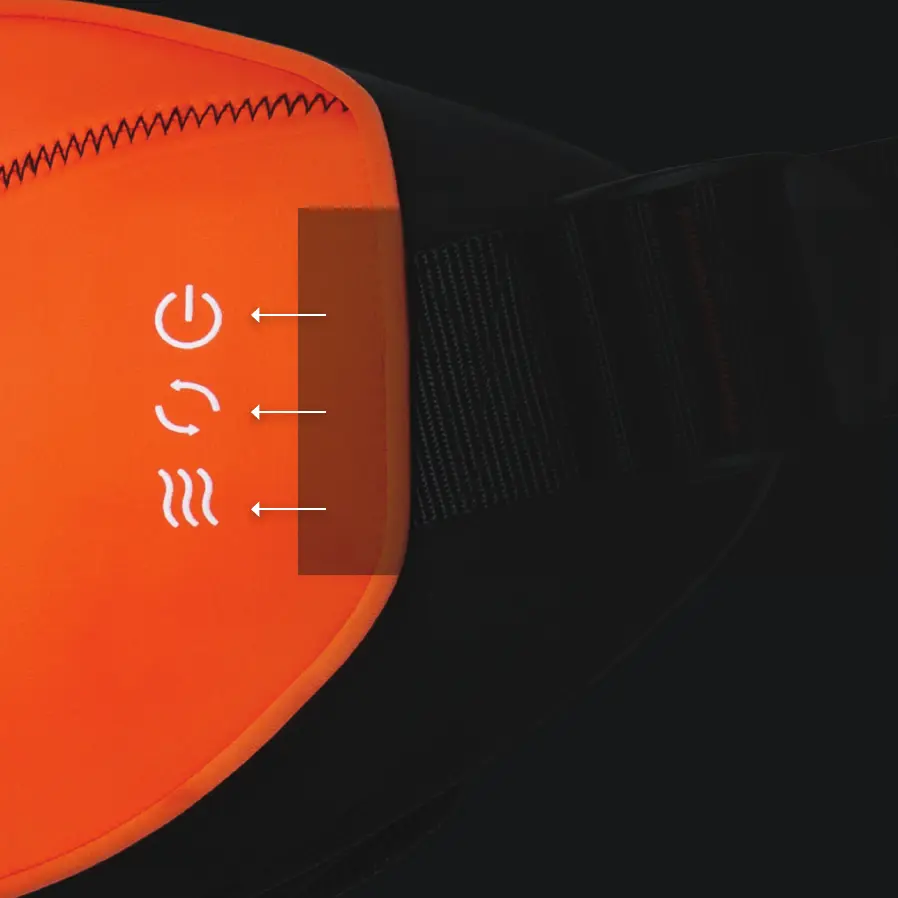
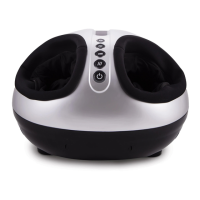
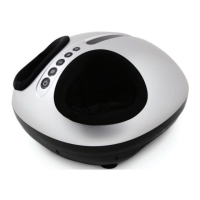
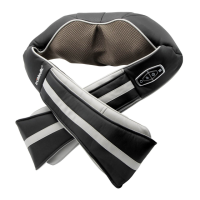
Control Panel
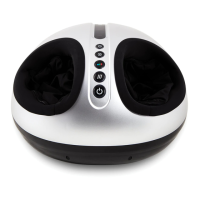
Power Control
Turn the unit on or off by pressing the On/Off Button.
Massage Node Rotation Control
Change the rotational direction of the massage heads.
Heat Control
Press this button to toggle the far-infrared heating on or off.
NOTE: The unit will automatically shut off after 20 minutes of use
and must be given a few minutes to cool down before reuse.


 To Next Page