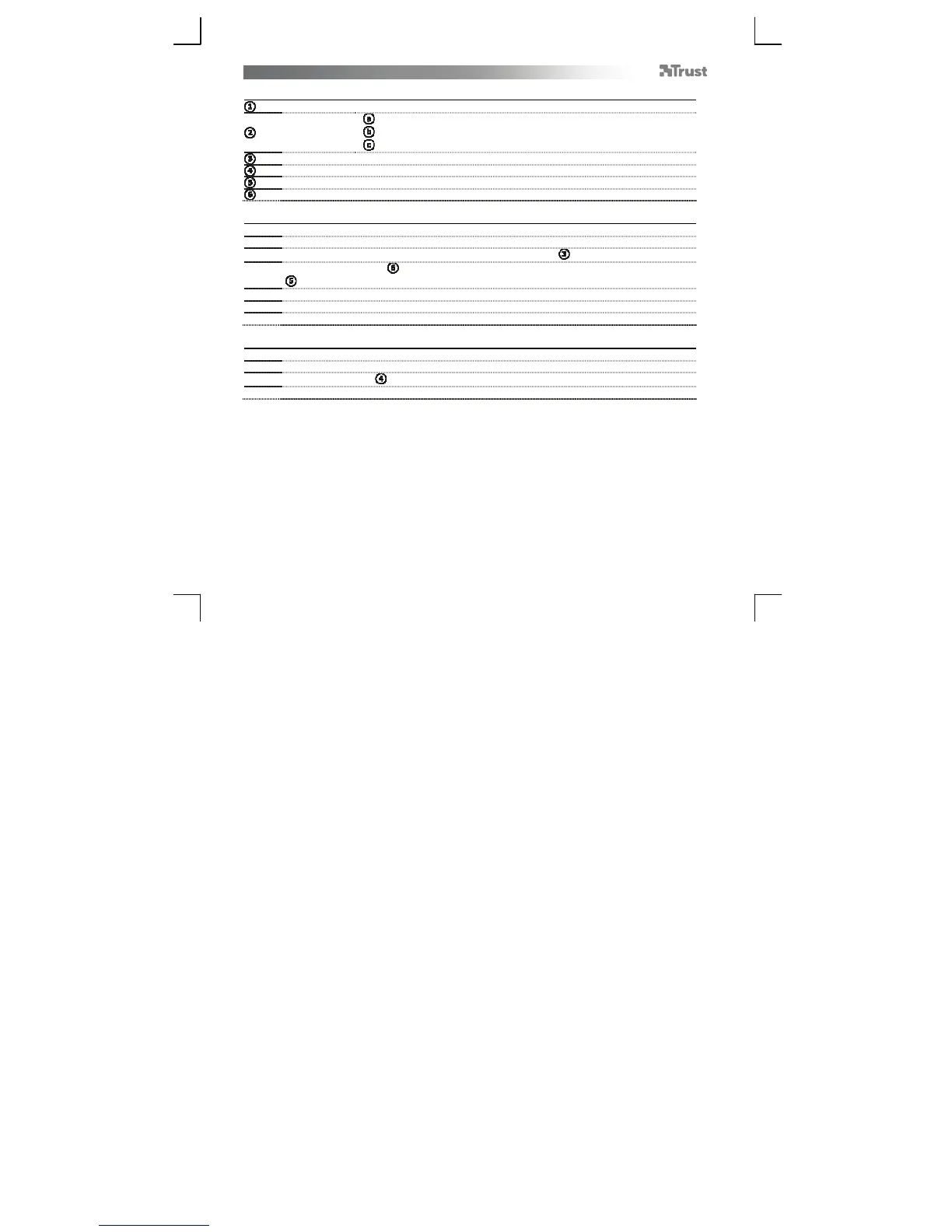
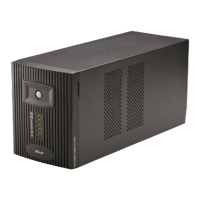
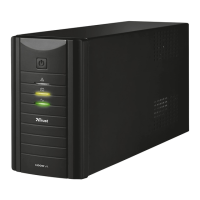
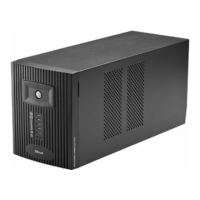
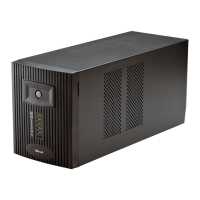
OXXTRON 800VA UPS – User’s Manual
2
Package contents (Package contents)
On/Off button
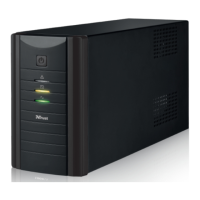
Status LEDs:
Red
Yellow
Green
AC input port
Fuse holder
Output
Loop through cables (2x)
Installation (Installation)
-
urn off your compu
er.
- Disconnect the AC input cables from your computer and from its monitor.
-
Connect your computer’s AC input cable to the UPS’ AC input port ( ).
-
Use loop through cables ( ) to connect the computer and its monitor to the UPS backup outputs
( ).
-
urn on the UPS.
- Charge the UPS for 8 hours.
-
he equipment connected to the UPS can be switched on.
Replacing the fuse (Replacing the fuse)
- Make sure the UPS is completely off, (disconnect mains power).
- Use a spare fuse of same rating (250V, 6.3A)!
-
Open the fuse holder ( ).
- Replace the fuse and close the fuse holder.


 To Next Page