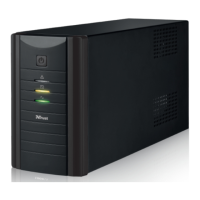
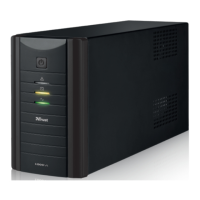
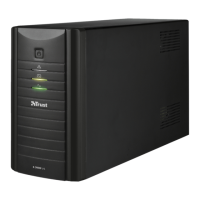
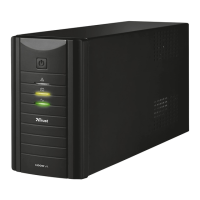
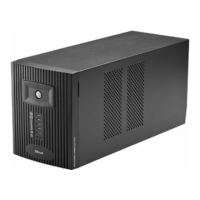
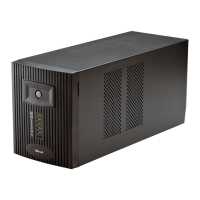
OXXTRON 800VA UPS – User’s Manual
3
Safety & proper usage reminders (Safety & proper usage reminders)
- When connected to mains power, the UPS needs to be On for its battery to charge.
- Do not open or repair this device, and keep it away from liquids.
- If the battery is opened or damaged, the substances released may be flammable and harmful to
skin, eyes.
- Always connect the UPS to an earthed wall socket.
- Do not connect a multiple socket to the UPS.
- The output ports may still be powered, even when the device is turned off.
- Make sure the device is not placed on a heat-sensitive surface and that the UPS has sufficient
ventilation.
Troubleshooting (Troubleshooting)
Indication Reason and Action
ellow LED steady
No beeps
Reason: The battery is charging.
Action: No action required.
ellow and green LEDS steady
No beeps
Reason: The battery is fully charged, and the UPS is functioning
normally.
Action: No action required
Red LED flashing
1 beep every 5 seconds
Reason: The UPS is not powered (power outage)
he UPS is powering the connected devices with its battery.
Action: Save your documents and shut down the computer.
Red LED steady
2 beeps every second
Reason: The UPS is not powered (power outage).
he battery will be empty within 2 minutes.
Action: Save your documents and shut down the computer urgently.
Red LED steady
4 beeps every 2 seconds
Reason: The UPS is overloaded.
Action: Disconnect some devices from the UPS output ports.
Red LED steady
Continuous beeping
Reason: The UPS is in short circuit.
Action: Check each of the connected devices to identify the faulty one.
No LEDs
No beeps
Reason: The battery is discharged, or the fuse needs replacing.
Action: Connect the UPS to a power source, or replace the fuse.


 To Next Page
 Loading...