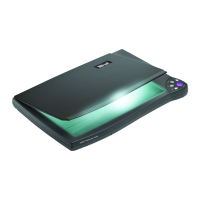
Easy Scan 19200
Preface
This manual is for users of the Easy Scan 19200. No specific
knowledge is required for installation or operation of this product.
This user’s manual uses the following conventions for commands:
‘Configuration screen’
Software term, shown on the screen.
<ENTER>
Key that has to be pressed on the keyboard.
[c:\set-up]
A command that is to be entered using the
keyboard.
Important information is given in the form shown below:
Note: The disk should not be formatted.


 To Next Page