14
C
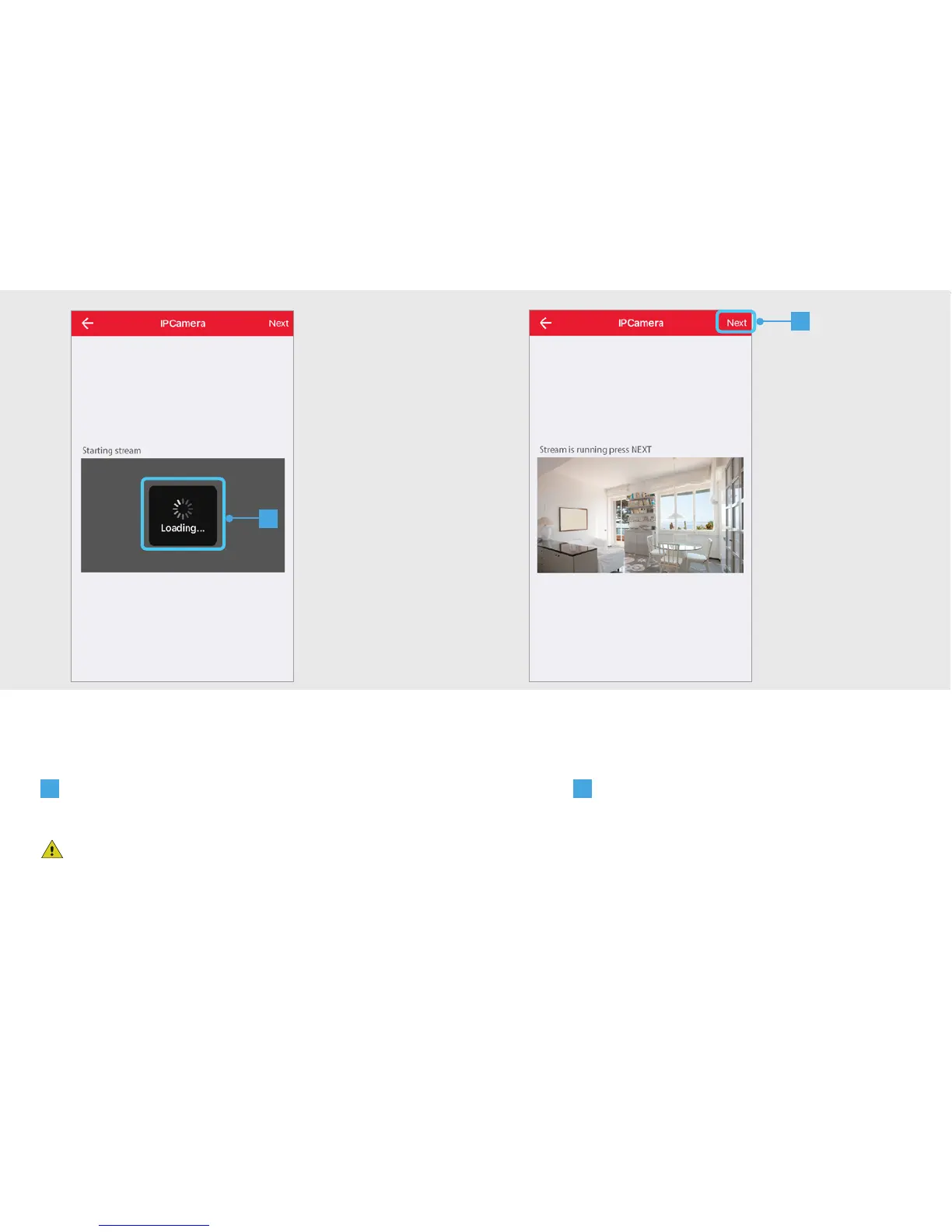
The App is now connecting to the camera and is loading a
preview of the video stream.
If no preview is shown of the video stream, try to take
the following steps:
1. Check if the power adapter is connected to the IP
Camera.
2. Check if the LEDs on the back of the camera are on.
For more troubleshooting go to trust.com/71119.
D
A preview of the video stream is
shown. Press NEXT.
C
D


 To Next Page