User’s manual
1
Product information
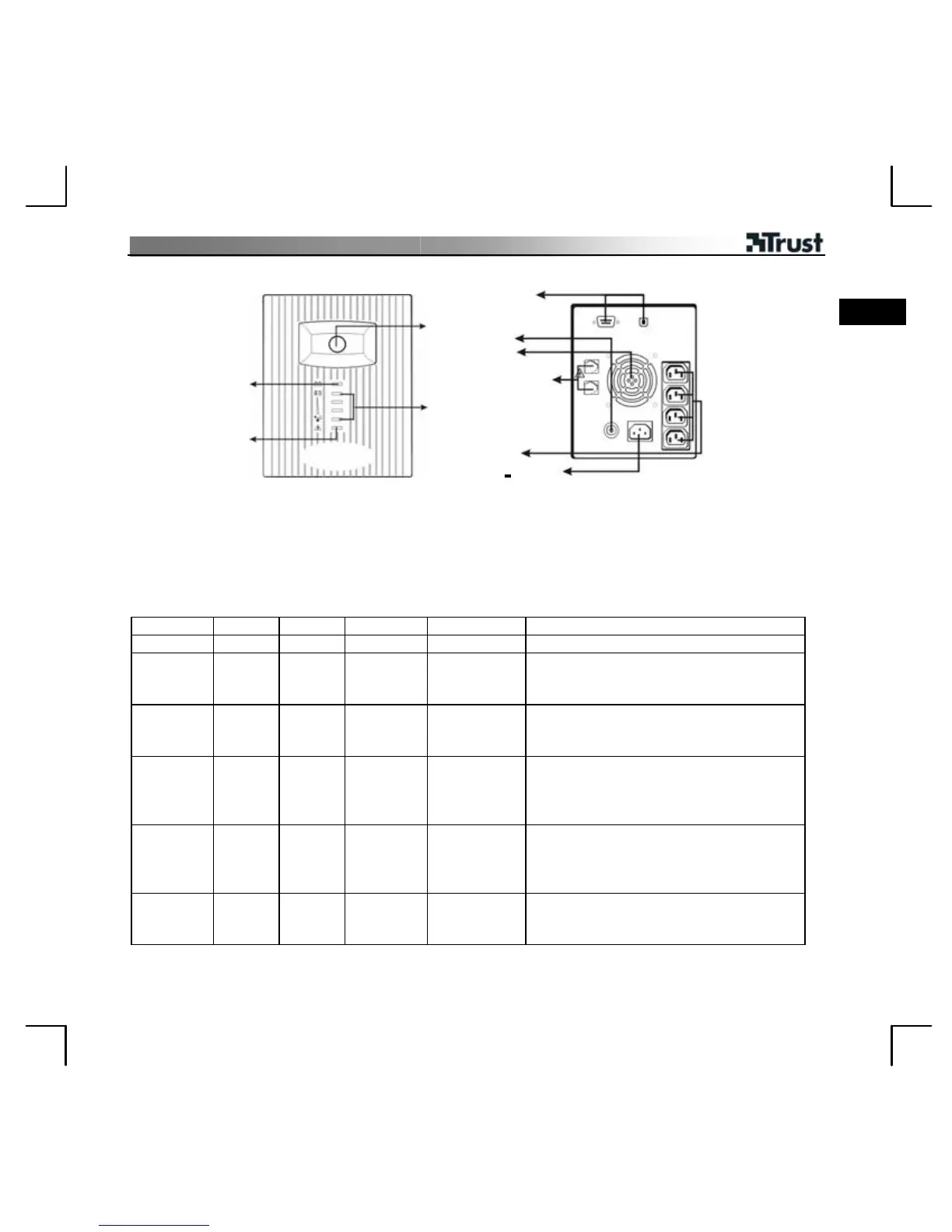
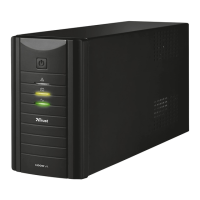
A: On/Off switch
B: Use AC power: steady green
Use battery power: flashing green
C: Use AC power: indicating load level
Use battery power: indicating battery capacity
D: Fault indicator
E: Serial and USB port connection
F: Circuit breaker
G: Cooling fan
H: Modem/Phone line surge protection
I: AC output
J: AC input
E
UK
A
F
G
H
B
C
D
I
J
LED indicators and audible alarms description
Indicator Sound Output Charging Description What to do?
- - No Yes UPS is off Turn the UPS on for use.
- A beep
every 2
seconds
230 V Yes Battery
abnormal
Replace battery.
B
Green
- Steady
- 230 V Yes Normal use -
B
Green
- Flashing
A beep
every
10
seconds
230 V No Use battery
power
Save your data and turn off your
computer.
B
Green
- Flashing
quickly
Beep
every
second
230 V No Battery
almost
empty
Save your data immediately and turn off
your computer.
D
Red
- ON
Keep
beeping
No No UPS overload Disconnect some devices and reset circuit
breaker. Turn off the UPS and wait for 2
minutes. Then turn it on.



 To Next Page