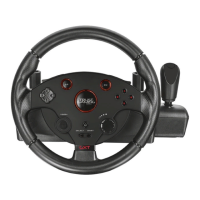
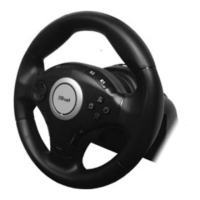
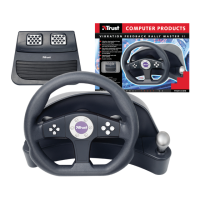
Vibration Feedback Rally Master
5
3.2. Connecting and installing the steering wheel
The Vibration Feedback Rally Master features 2 different PC connections, one for the
joystick port, and the other for the USB port (Combined version only).
Note: The steering wheel can only be used with a PC, not with the Apple iMac.
Follow the instructions below for connecting the steering wheel to your computer
system:
3.2.1. DOS through the joystick port
1. Switch off the system.
2. Connect the steering wheel plug (A) to a free 15-pin game port on the computer
system. See figure 1.
3. Install your game. If the game supports a joystick, the steering wheel will probably
also work. You may have to calibrate first. Refer to the manual of your game.
3.2.2. Windows 95 or 98 through the joystick port
Note: The following instructions may differ from the installation procedure in your
Windows version. If in doubt, refer to the manual of your copy of Windows.
1. Switch off the computer system.
2. Connect the steering wheel plug (A) to a free 15-pin game port on the computer
system. See figure 1.
3. Start Windows.
4. Click on ‘Start’ and select ‘Settings’.
5. Select ‘Control Panel’.


 To Next Page