Thanks for purchasing the STORM Digital Mini Scale! This
User Guide is designed to get you up and running quickly
with your scale. Scales are precision instruments and
require proper care and skill to get the best results. If you
have questions or need support, visit us at http://www.
truweigh.com/support or scan the QR Code on the back of
this manual using your smartphone.
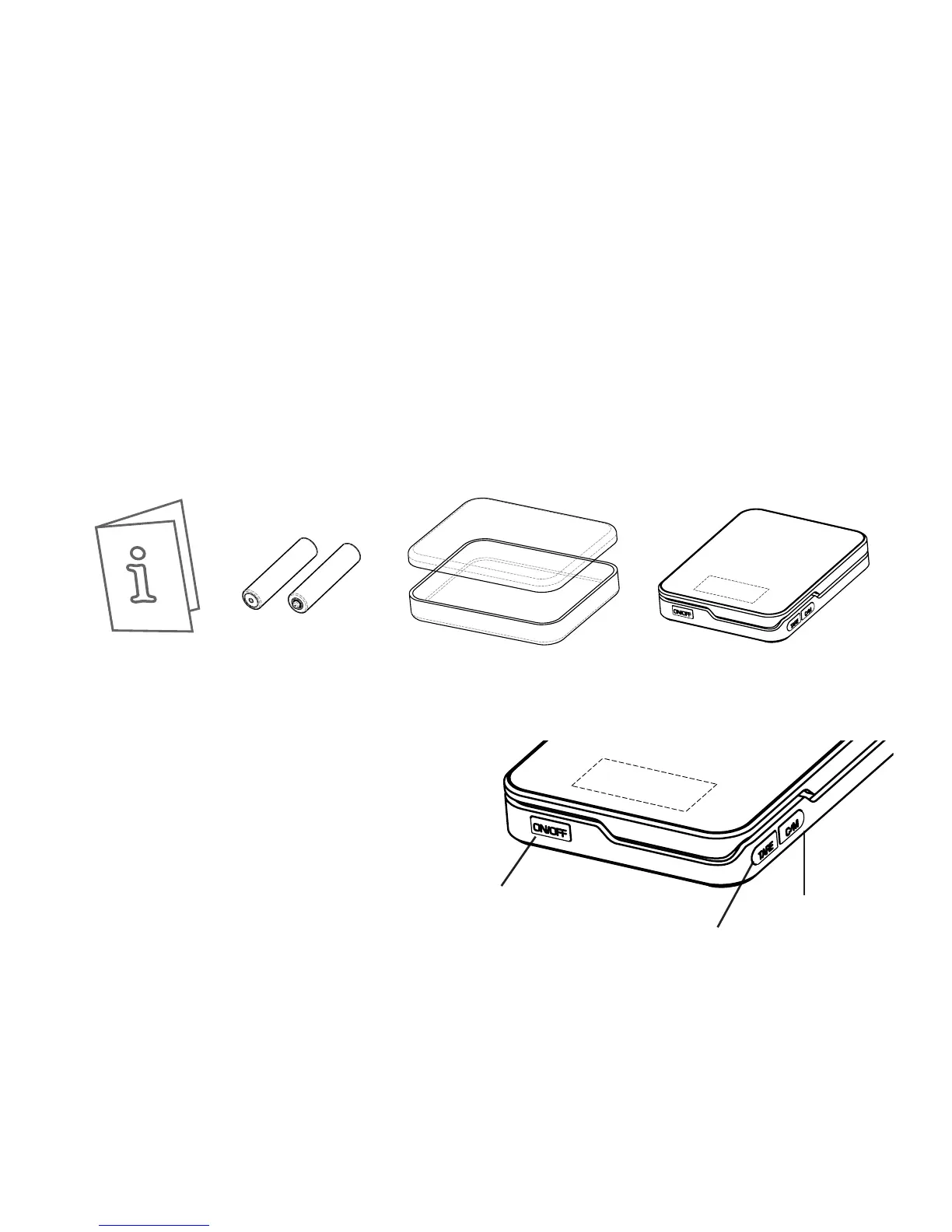
What’s In The Box
Key Descriptions
ON/OFF - Press to turn
the scale ON or OFF.
TARE - Zero’s the scale.
Also subtracts the weight
of an empty container or
tray (see Tare Function).
C/M: CAL/MODE - Tap
to change the weighing unit. Hold for 3 sec. to enter
Calibration(see Calibration). Hold for 4 sec. to temporarily
disable the auto-o function.
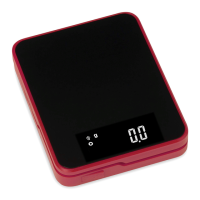
STORM Digital
Mini Scale
Two AAA
Batteries
Plastic Cover /
Weighing Trays
User Guide


 To Next Page