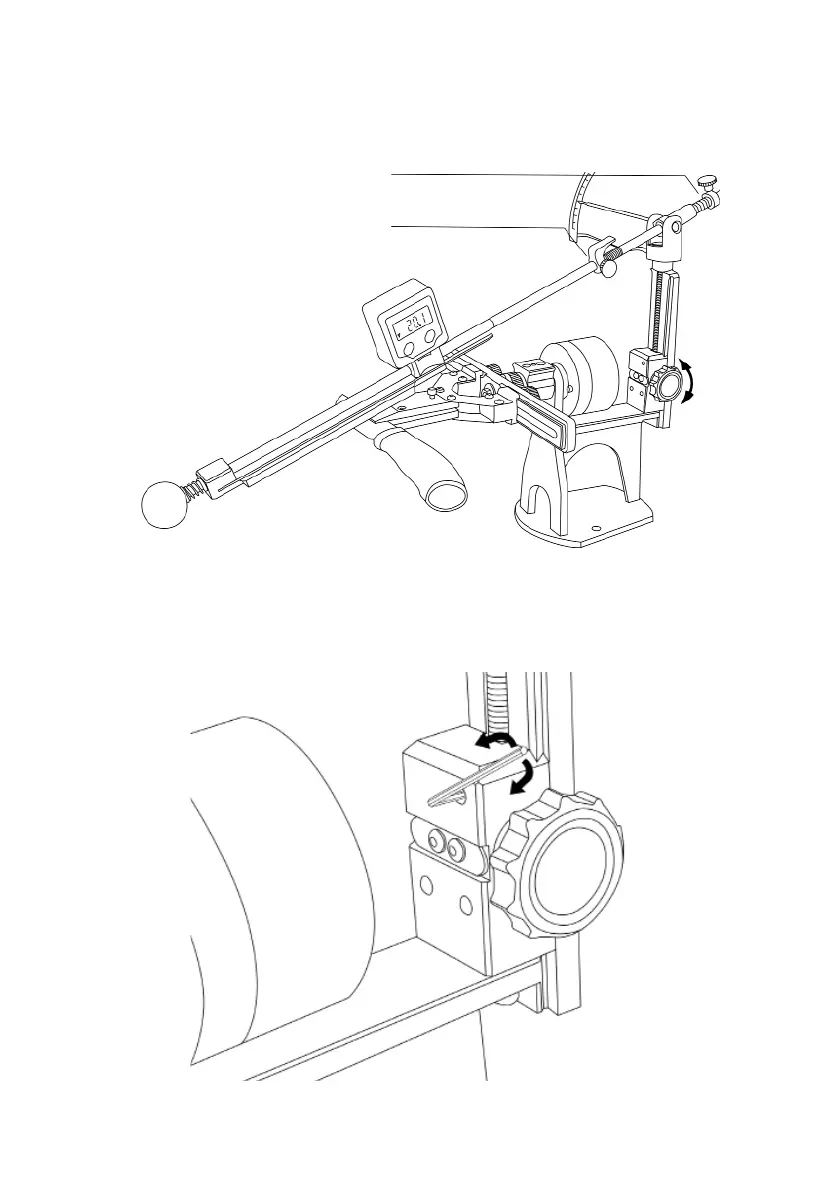
2. Install an abrasive and lean it against the cutting edge. Put digital protractor on abrasive
holder (abrasive holder must be located at the center). By the rotation of the angle adjust-
ment thumbsrew, set the desired angle of sharpening.
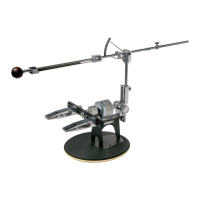
3. You can x the angle of the sharpening with the help of a locking screw if necessary, as
shown in the picture below. To do this, use a 2 mm hex wrench (14A) from the spare parts
kit. Before further changing of the angle, do not forget to loosen the locking screw.
13
Far limiter
Near limiter


 To Next Page