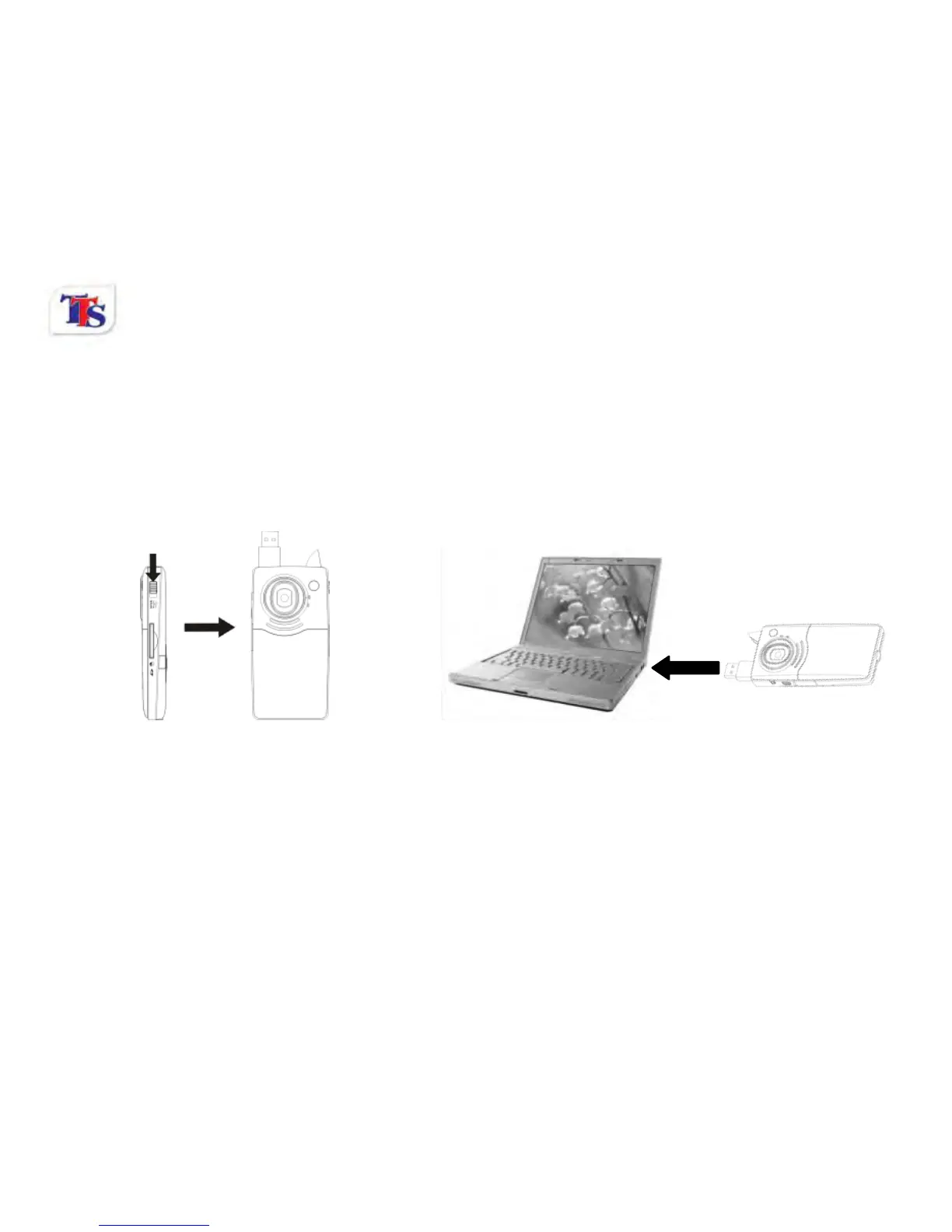
2.13 Download files from camera to PC
1. After connecting to a computer, go to "My Computer” and open the "Removable Disk." The videos will
be saved in the \DCIM\100MEDIA folder in the removable disk drive. Choose the desired image/video
in the 100MEDIA folder and copy (drag with mouse) it into the target folder in the HD of the computer.
2. You can use ArcSoft VideoImpression to edit videos.
3. ArcSoft VideoImpression can be installed from CD included.



 To Next Page