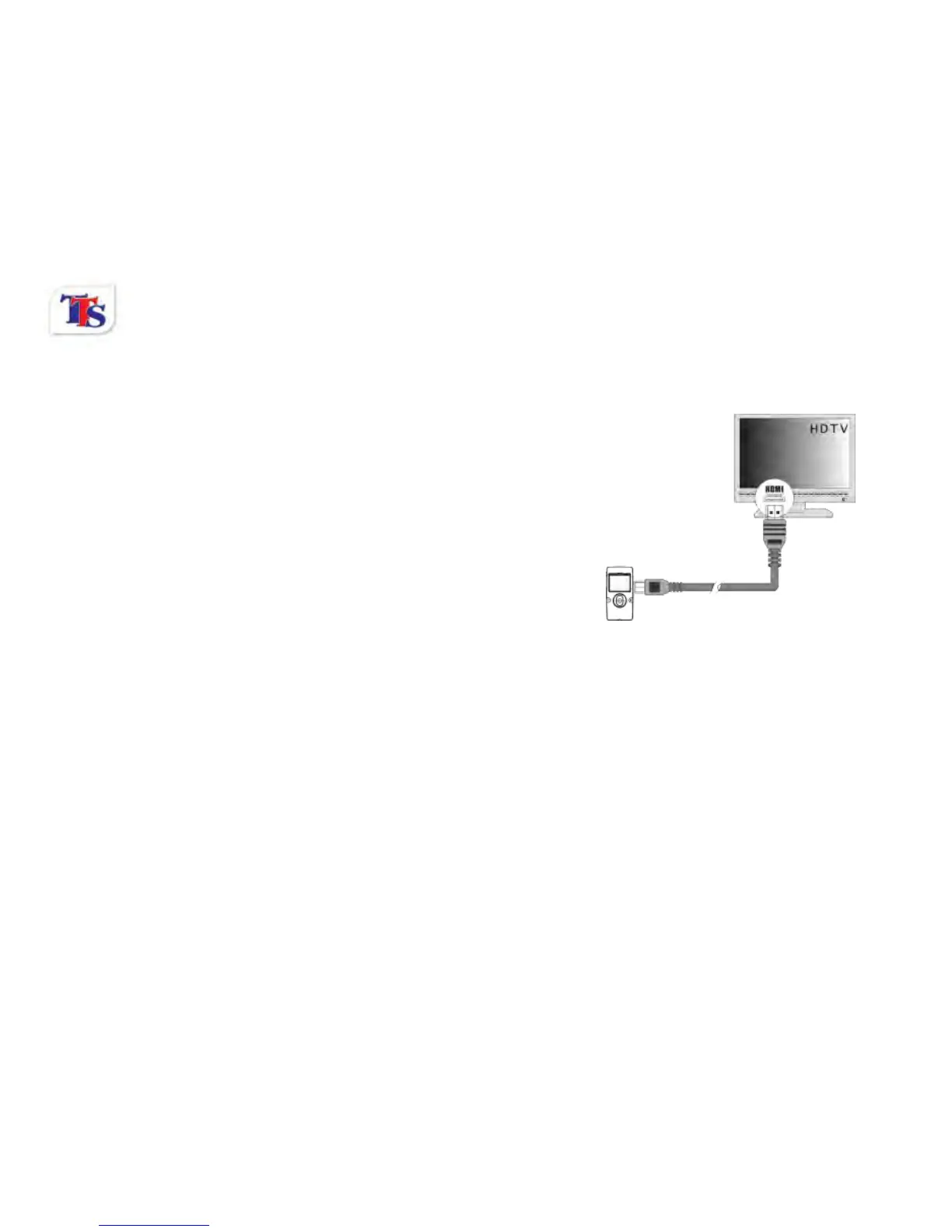
2.11 HDMI output (optional)
Insert an HDMI cable into the HDMI port of the video camera;
connect the other terminal of the HDMI cable to an HD TV.
Note: During HDMI output, the video camera cannot show a live
feed, only captured images and videos can be shown.
2.12 Delete files
During playback, press the Delete key to access the Delete
menu. The delete menu has three options: No, Yes and All. Use
the Shutter button to confirm your selected option. Selecting No will cancel the delete option, selecting Yes
will delete the selected image or video, and selecting All will delete all images and video stored on the
camera’s memory.
Connect to PC
1. Slide the USB Switch up to extend the USB connector. And turn the camera ON.
2. Insert the camera’s USB connector into the computer’s USB port, or use the supplied USB extension
cable to make the connection.



 To Next Page