Press and hold the mode/play key. LCD screen will display “HD” and “VGA” indicating selected resolution.
2.8 Recording a Video
In video mode, press the shutter to begin recording video, press the shutter key again to stop recording.
Press the up key or the down key to zoom in or zoom out.
2.9 Playback videos
In playback mode, press the left or right key to select another file.
Press mode/play key to begin video playback, during playback, press mode/play key to pause the video,
press the shutter key to stop playback.
2.10 TV output
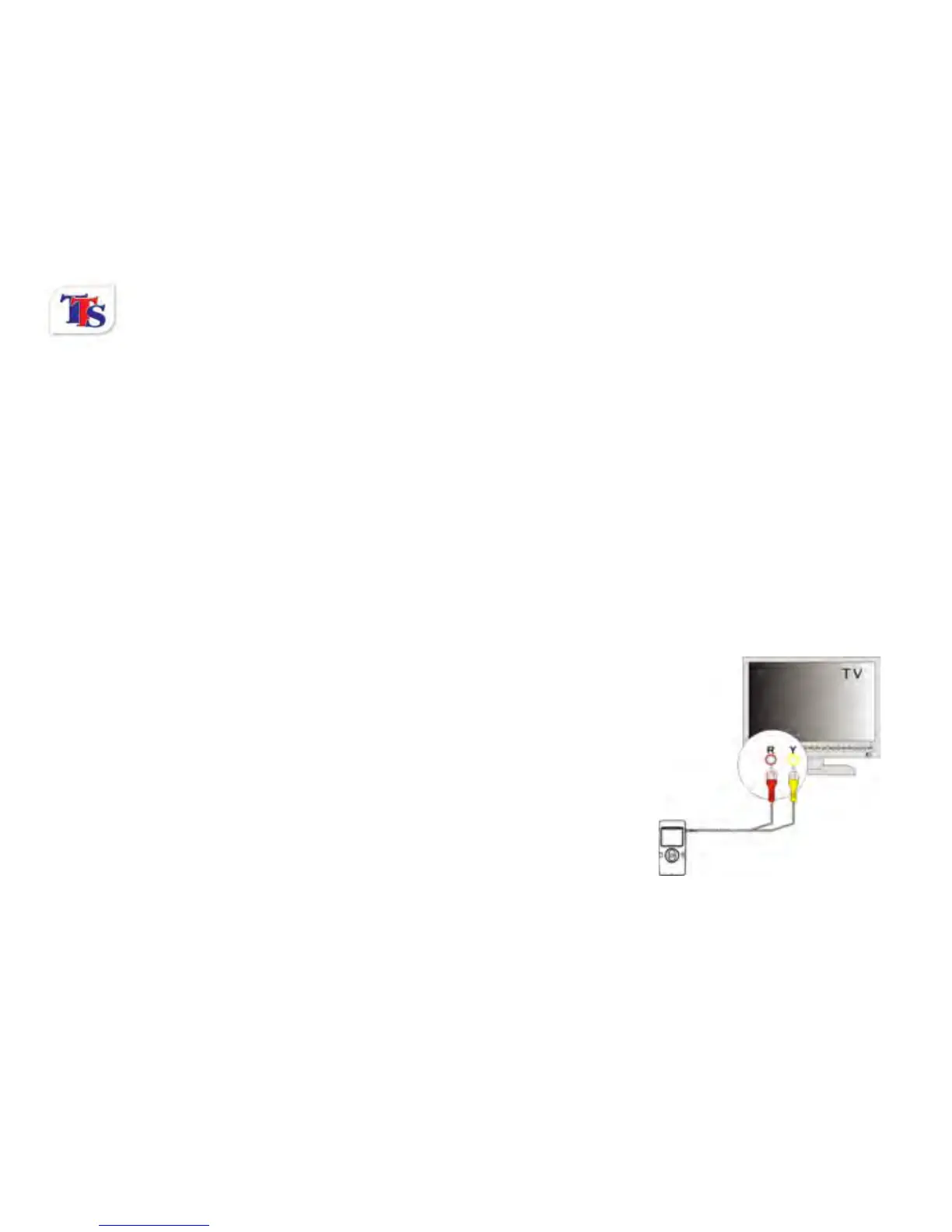
Turn on the camera, and then insert the TV cable into the colour
coded ports on the TV. The output can be viewed using the AV
channel on your TV.



 To Next Page