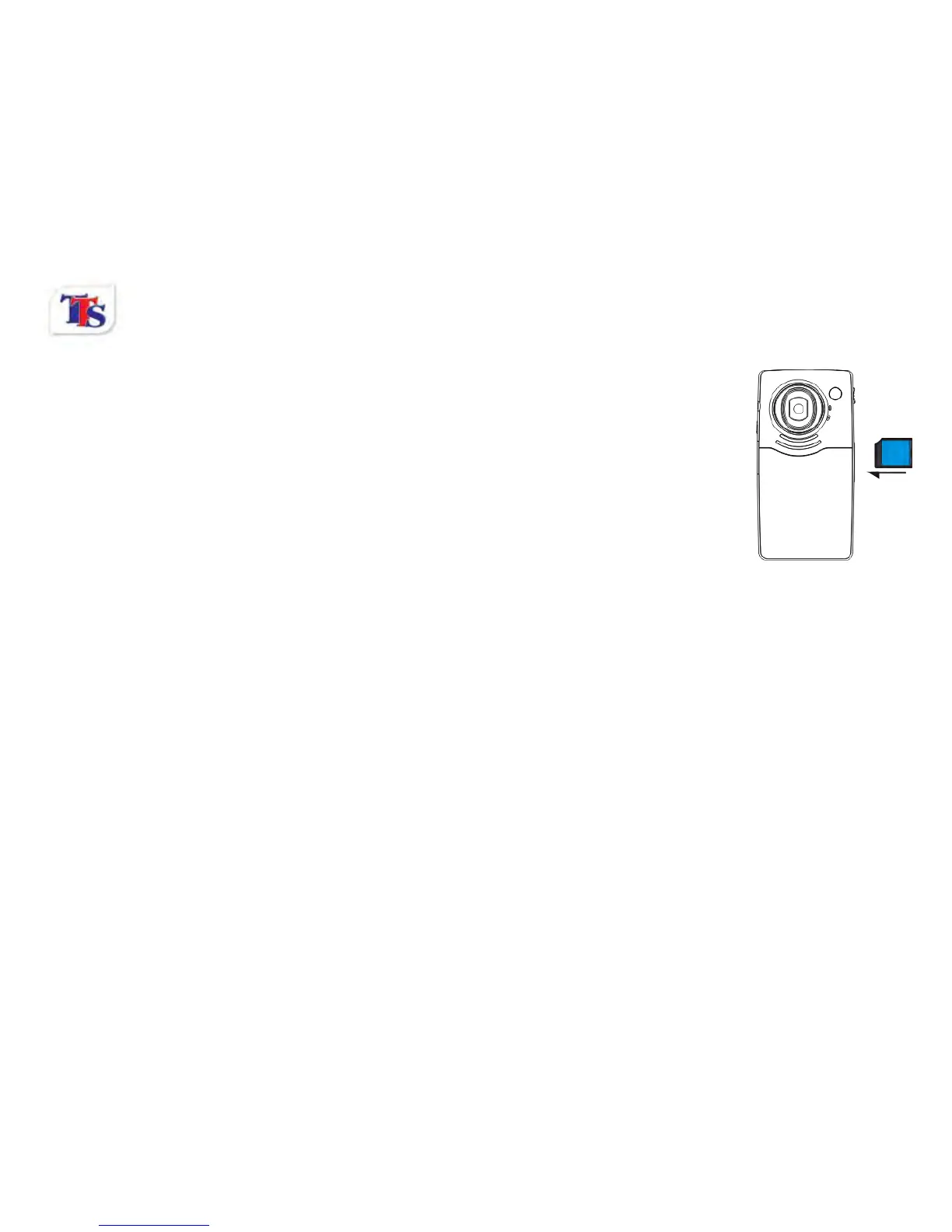
Push and release the inserted card if you wish to remove or replace the card.
2.4 Power on/off
When off, press and hold the power key to power on the camera.
When on, press the power key to turn off the camera.
When on, allow the camera to idle for 1 minute to power off the camera
automatically.
When battery level is very low, the camera will turn off after several seconds. You
must recharge the batteries.
2.5 Setup menu
To access the Setup menu, press and hold the shutter button during start up. The Setup menu allows
changes to be made to the Auto power off, Buzzer, LCD brightness, TV output, Date/Time, Light frequency
and Language options.
2.6 Change between Video/Still mode
Press the Mode key to change the mode between video and stills mode.
2.7 Change resolution
You can press the mode/play key to change video resolution in video model.



 To Next Page