Selection
Validation
Selection
Validation
▼
▲
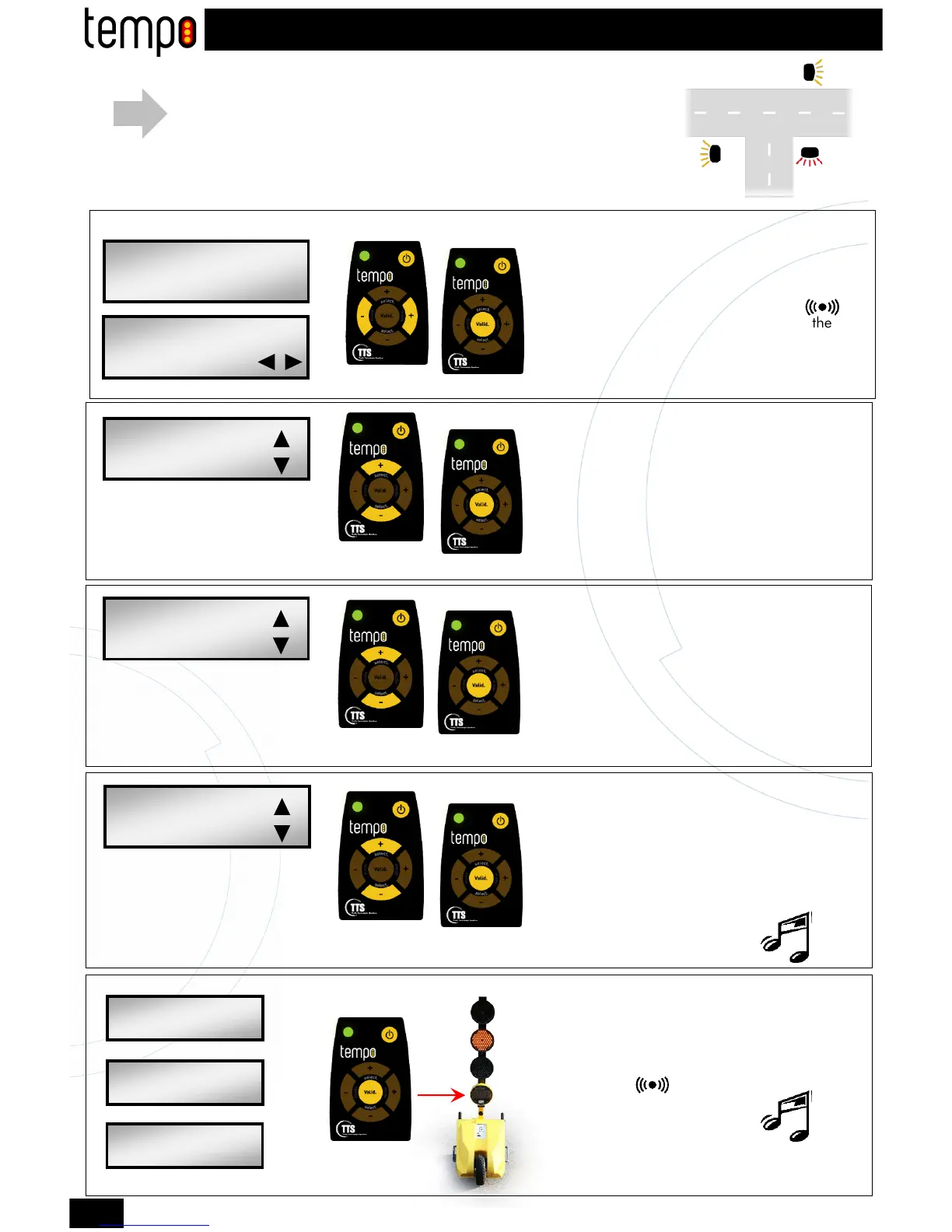
■ Select the red light timing with the + and -
(select) user-defined keys.
■ Validate.
Red light programming
5s
10s
15s
…
60s
Selection
Validation
STEP 3
Axis 1 green light programming
■ Select the green light timing (flashing
orange) of the 1
st
axis with the + and - (select)
user-defined keys.
■ Validate.
▼
▲
5s
10s
15s
…
60s
Selection
Validation
STEP 4
Axis 2 green light programming
■ Select the green light timing (flashing
orange) of the 2
nd
axis with the + and - (select)
user-defined keys.
■ Validate.
You must hear a double BEEP.
▼
▲
5s
10s
15s
…
60s
Validation
STEP 5
Mode selection
STEP 1
STEP 2
LIGHT: 12,0V
FLASHING M
CYCLE:
CROSSROAD 3X
CROSSROAD 3X
RED:25s
CROSSROAD 3X
AXE 1:10s
CROSSROAD 3X
AXE 2:10s
CROSSROAD 12,0V
3X GREEN:25s P1m
CROSSROAD 12,0V
3X GREEN:25s P2a
CROSSROAD 12,0V
3X GREEN:25s P3a
Axe 1
Axe 2
Lights 1 and 3 have the same color (axis 1).
Light 2 (axis2) is opposite axis 1.
3 LIGHTS AXIS CROSSROAD PROGRAMMING
8
■ Select « Crossroad 3X » mode with the +
and - (mode) user-defined keys.
■ Validate.
■ Switch on the remote control
■ Direct it to the window display symbol
Repeat this operation for the third light.
Validation of the cycle on traffic lights 2 and 3
7
You must hear a double BEEP.
Traffic
light 1
Traffic
light 2
Traffic
light 3
Traffic
light 3
Traffic
light 1
Traffic
light 2
■ Go to the 2nd traffic light
■ Direct the remote control to the window
display symbol
■ Validate.


 To Next Page
 Loading...